Advanced Tally Course
New to accounting? No worries! Our Advance Tally Prime with GST course is the perfect starting point for students and freshers who want to build a solid career in accounts and finance. Learn GST, Payroll, Inventory, Banking & more — with hands-on practice from day one. Get certified and job-ready fast!
- Recognized Certification
- Beginner Friendly Course
- Practical Computer Training
- Industry Expert Trainer
- Government Recognized Certification
- Beginner Friendly Course
- Practical Computer Training
- Industry Expert Trainer

About Course
Hey, Looking to Kickstart Your Accounting Career?
You’re in the right place! The Advance Tally Prime with GST course at Anubhav Computer Institute is specially designed for students and freshers who want to step confidently into the world of accounting and finance — even if you’re starting from zero.
Tally Prime is the #1 accounting software used by businesses all across India, and knowing it well can open doors to hundreds of job opportunities. In this course, you won’t just learn the basics — you’ll go deep into GST filing, Payroll, Inventory, Banking, TDS, and professional MIS Reports, all with practical, real-world exercises that actually prepare you for the job.
By the time you’re done, you’ll have the skills AND the certificate to prove it.
What You’ll Learn in This Course
- Set up a company in Tally Prime and navigate it like a pro
- Record all types of accounting entries — Sales, Purchase, Payments, Receipts & more
- Manage Inventory — stock, godowns, delivery notes & expiry tracking
- Handle GST completely — from setup to GSTR-1 & GSTR-3B filing
- Process TDS — deductions, collections & return filing
- Run Payroll — employee records, attendance, salary & reports
- Manage Banking — bank ledgers, BRS, cheques & e-Payments
- Generate MIS Reports — Balance Sheet, P&L, Trial Balance & more
Tools You Will Learn
Learn industry-relevant tools with practical training designed to make you confident, skilled, and job-ready.















Advanced Tally Course Curriculum
This program covers important concepts and practical skills required for today’s digital world.
Module 1 : Getting Started with Tally Prime
- Overview of Tally and its different versions
- Features and benefits of Tally Prime
- Installation and activation of Tally Prime
- Navigating the Tally Prime interface with ease
- Creating, altering and deleting a company
Module 2: Accounting in Tally Prime
- Fundamentals of accounting (brief theory)
- Creating groups and ledgers
- Recording accounting vouchers:
- Payment & Receipt
- Contra & Journal
- Sales & Purchase
- Creating debit and credit notes
- Bill-wise entry and adjustments
Module 3: Inventory Management
- Setting up inventory masters — Stock groups, units of measure & stock items
- Godown management
- Recording inventory vouchers:
- Delivery & Receipt Note
- Stock Journal
- Physical Stock
- Managing cost centers and cost categories
- Batch-wise tracking and expiry date management
Module 4: Banking Features
- Bank ledger creation and configuration
- Cheque management
- Bank reconciliation (BRS)
- Deposit slips and payment advice
- Setting up e-Payments
Module 5: GST in Tally Prime
- Enabling GST and configuring the company
- Creating GST ledgers and items
- Recording intra-state and inter-state transactions
- GST for composite dealers
- Generating GST reports and filing GSTR-1 & GSTR-3B
Module 6: TDS (Tax Deducted at Source)
- Enabling and configuring TDS in Tally
- Creating deductor and deductee masters
- Recording deduction on expenses
- Collection on sales
- Filing TDS returns
Module 7 : Payroll Management
- Enabling payroll in Tally Prime
- Employee master creation
- Setting up attendance and pay heads
- Processing salaries
- Generating payroll reports
Module 8 : Reporting & MIS
- Generating financial reports:
- Balance Sheet
- Profit & Loss Account
- Trial Balance
- Viewing inventory reports
- Day book and ledger analysis
- Ratio analysis & Cash/Bank book
Want Complete Details About the Course?
Get complete information about the Course
Key Highlights of the Course
Explore the important features and benefits that make the program a valuable certification for computer learning.
Government
Certification
Practical Lab
Training
Industy Expert
Trainer
Updated Course
Curriculum
Flexible Learning
Batches
Hands-on
Practice
Who Can Join & What You Will Gain
Discover who can enroll in this course, the benefits of learning, and the practical skills you will gain to grow your career.
- Who Can Join the Course
- Benefits of Learning the Course
- What Will You Gain
This course is designed for anyone who wants to build practical skills and improve their career opportunities. Whether you are a beginner or looking to upgrade your existing knowledge, this program is suitable for learners at different levels.
Students and freshers
Job seekers looking to gain skills
Working professionals wanting to upgrade
Business owners and entrepreneurs
Anyone interested in learning new skills
This course focuses on practical learning and skill development to help you grow professionally and stay competitive in today’s market.
Gain industry-relevant skills
Improve job and career opportunities
Build confidence with practical knowledge
Learn tools and techniques used in real work
Add value to your resume
By completing this course, you will develop the knowledge and practical skills required to perform tasks confidently in real-world scenarios.
Hands-on practical experience
Understanding of tools and technologies
Problem-solving and task execution skills
Industry-relevant knowledge
Confidence to work independently
Want Complete Details About the Course?
Get complete information about the Course
Start Your Learning Journey
Get started with a simple enrollment process and begin developing your skills with structured learning.
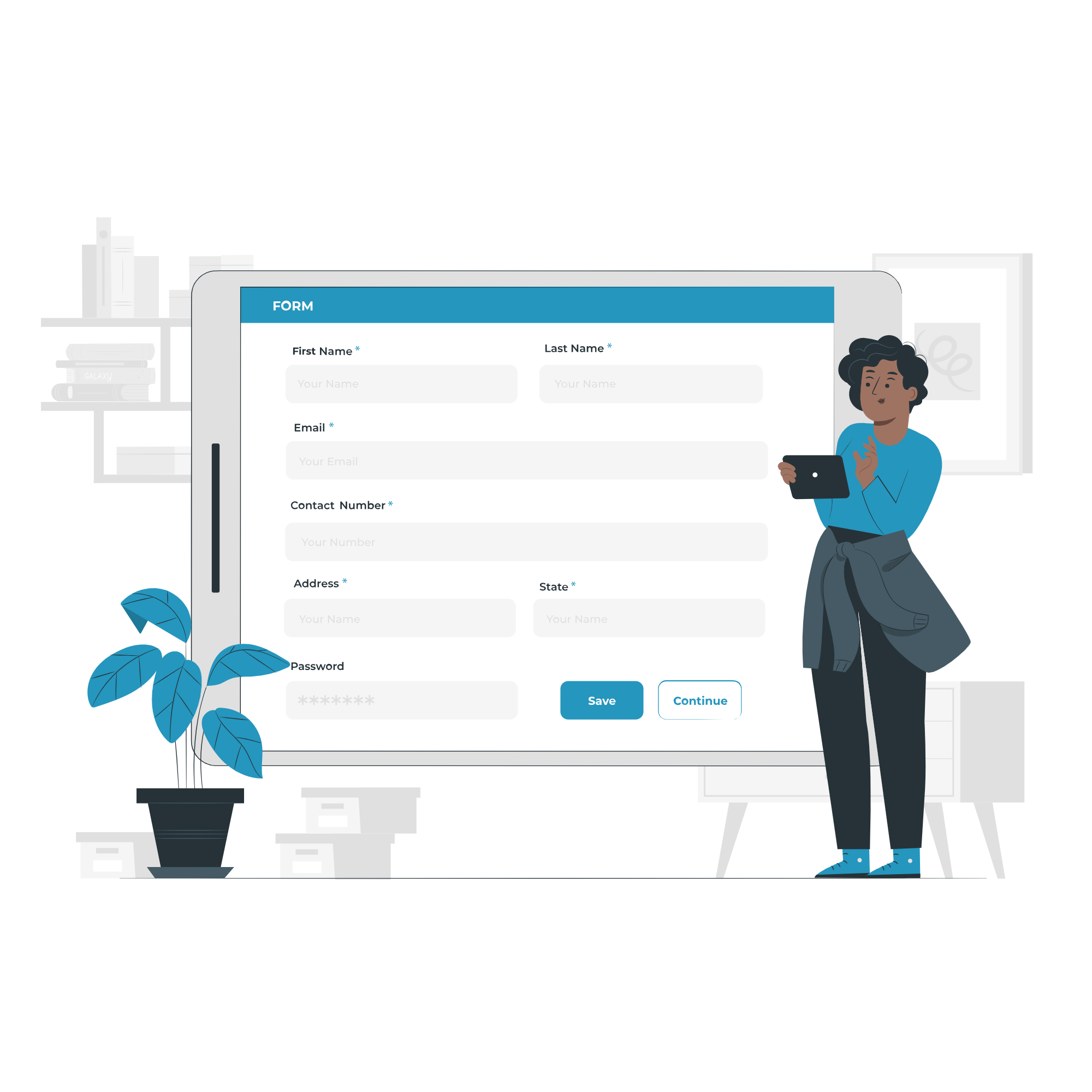
1. Fill the Enquiry Form
Submit your details through the website form to show your interest in the course.

2. Get Career Guidance
Our team will contact you to explain the course details, syllabus, batch timings, and answer your questions.

3. Enroll for Course
Confirm your seat by completing the registration process and submitting the required details.

4. Start Your Classes
Attend practical training sessions and begin learning essential computer and digital skills.
A Certification That Builds Digital Confidence
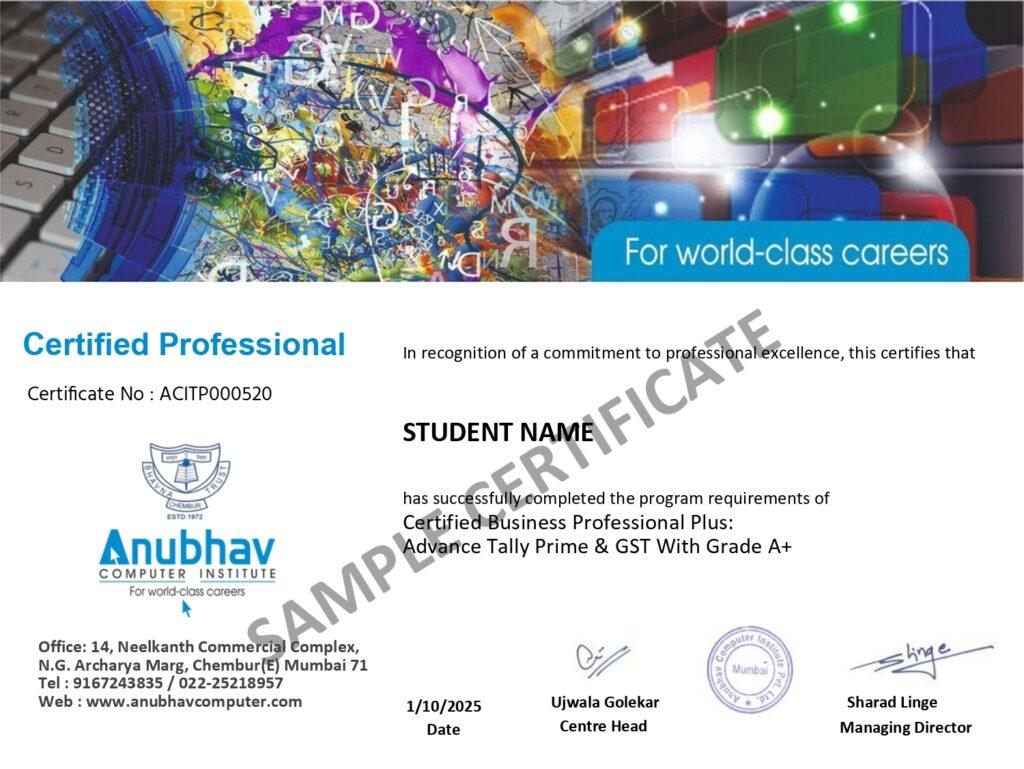
Earn the Recognized certification that validates your computer knowledge and digital skills required in today’s technology-driven world.
Industry Recognized Certification
Receive the Industry Recognized and a Trusted certification that demonstrates your ability to use computers and digital tools effectively.
Practical Computer Skills
The course is designed with a practical approach, enabling students to develop skills and gain experience using industry-relevant tools and techniques.
Valuable for Career Growth
The program follows a practical learning approach, enabling students to build strong skills and gain hands-on experience.