UI & UX Design Course
Ever used an app and thought — “Wow, this is so easy and beautiful to use”? That’s great UI/UX design at work — and you can learn to create exactly that! Our UI/UX Design course teaches you design thinking, wireframing, visual design, prototyping and responsive UI —using industry-standard tools and real-world projects.
- Recognized Certification
- Beginner Friendly Course
- Practical Computer Training
- Industry Expert Trainer
- Government Recognized Certification
- Beginner Friendly Course
- Practical Computer Training
- Industry Expert Trainer

About Course
Do You Want to Design Apps & Websites That People Love to Use?
Think about your favourite app — the one that just feels smooth, intuitive and looks great. Ever wondered who designs that experience? That’s a UI/UX Designer — and right now, they’re among the most sought-after professionals in the entire tech industry!
The UI/UX Design course at Anubhav Computer Institute is your gateway into this exciting world. Whether you’re a student exploring a creative tech career, a working professional looking to switch or upskill, or a freelancer wanting to offer high-value design services — this course is built just for you.
You’ll learn the complete design process — from understanding users and sketching wireframes to creating stunning visual interfaces and interactive prototypes — all with hands-on projects that go straight into your portfolio. By the end of this course, you won’t just know UI/UX — you’ll be able to show it!
What You’ll Learn in This Course
- Understand the principles of Design Thinking and user-centred design
- Conduct user research to understand what users really need
- Create Wireframes and User Flows that map out the full user journey
- Design beautiful Visual UI Components — buttons, cards, forms, navigation & more
- Build Responsive UI Designs that work perfectly on mobile, tablet and desktop
- Create realistic Interactive Prototypes to test and validate your designs
- Learn how to present and defend your design decisions confidently
- Build and present a Final Design Portfolio that impresses employers and clients
Tools You Will Learn
Learn industry-relevant tools with practical training designed to make you confident, skilled, and job-ready.













UI & UX Design Course Curriculum
This program covers important concepts and practical skills required for today’s digital world.
Module 1 : Design Thinking & Research
- Understanding what UI and UX design is and how they work together
- Introduction to the Design Thinking process — Empathise, Define, Ideate, Prototype & Test
- Conducting user research — interviews, surveys and observations
- Creating user personas to represent your target audience
- Defining user problems and turning them into design opportunities
- Competitive analysis — learning from existing products and designs
Module 2: Wireframing & User Flow
- Understanding what wireframes are and why they are essential
- Sketching low-fidelity wireframes by hand and digitally
- Mapping out complete user flows and navigation structures
- Designing information architecture for apps and websites
- Moving from low-fidelity to mid-fidelity wireframes
- Getting feedback on wireframes and iterating your designs
Module 3: Visual Design & Components
- Understanding the principles of visual design — hierarchy, contrast, alignment & spacing
- Working with typography — choosing and pairing fonts effectively
- Building a colour palette that communicates the right brand feel
- Designing reusable UI components — buttons, cards, forms, icons & navigation bars
- Creating and maintaining a consistent design system
- Applying visual design principles to real app and website screens
Module 4: Responsive UI Design
- Understanding responsive design and why it matters
- Designing layouts for mobile, tablet and desktop screens
- Working with grids, columns and breakpoints
- Adapting UI components for different screen sizes
- Mobile-first design approach — designing for small screens first
- Testing and refining responsive designs across devices
Module 5: Prototyping & Testing
- Understanding the difference between static designs and interactive prototypes
- Building low-fidelity and high-fidelity prototypes
- Adding interactions, transitions and animations to your designs
- Conducting usability testing with real users
- Gathering feedback and identifying design improvements
- Iterating your design based on test results
Module 6: Final Project & Portfolio
- Planning and executing a complete end-to-end UI/UX design project
- Applying the full design process — research, wireframes, visuals & prototype
- Presenting your design decisions clearly and confidently
- Structuring and building your professional design portfolio
- Tips for showcasing your work on Behance, Dribbble and LinkedIn
- Preparing for UI/UX design job interviews and freelance client meetings
Want Complete Details About the Course?
Get complete information about the Course
Key Highlights of the Course
Explore the important features and benefits that make the program a valuable certification for computer learning.
Government
Certification
Practical Lab
Training
Industy Expert
Trainer
Updated Course
Curriculum
Flexible Learning
Batches
Hands-on
Practice
Who Can Join & What You Will Gain
Discover who can enroll in this course, the benefits of learning, and the practical skills you will gain to grow your career.
- Who Can Join the Course
- Benefits of Learning the Course
- What Will You Gain
This course is designed for anyone who wants to build practical skills and improve their career opportunities. Whether you are a beginner or looking to upgrade your existing knowledge, this program is suitable for learners at different levels.
Students and freshers
Job seekers looking to gain skills
Working professionals wanting to upgrade
Business owners and entrepreneurs
Anyone interested in learning new skills
This course focuses on practical learning and skill development to help you grow professionally and stay competitive in today’s market.
Gain industry-relevant skills
Improve job and career opportunities
Build confidence with practical knowledge
Learn tools and techniques used in real work
Add value to your resume
By completing this course, you will develop the knowledge and practical skills required to perform tasks confidently in real-world scenarios.
Hands-on practical experience
Understanding of tools and technologies
Problem-solving and task execution skills
Industry-relevant knowledge
Confidence to work independently
Want Complete Details About the Course?
Get complete information about the Course
Start Your Learning Journey
Get started with a simple enrollment process and begin developing your skills with structured learning.
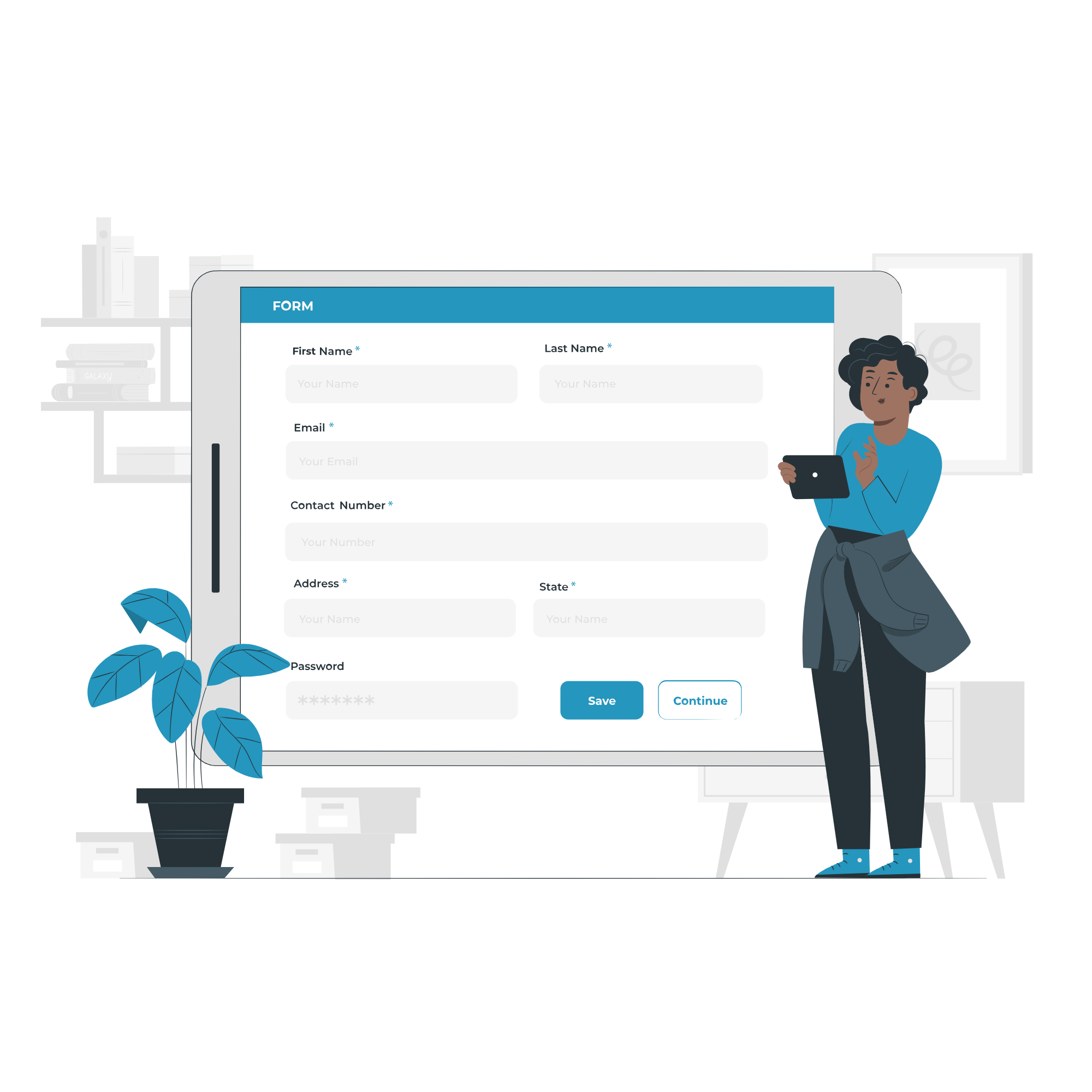
1. Fill the Enquiry Form
Submit your details through the website form to show your interest in the course.

2. Get Career Guidance
Our team will contact you to explain the course details, syllabus, batch timings, and answer your questions.

3. Enroll for Course
Confirm your seat by completing the registration process and submitting the required details.

4. Start Your Classes
Attend practical training sessions and begin learning essential computer and digital skills.
A Certification That Builds Digital Confidence
Earn the Recognized certification that validates your computer knowledge and digital skills required in today’s technology-driven world.
Industry Recognized Certification
Receive the Industry Recognized and a Trusted certification that demonstrates your ability to use computers and digital tools effectively.
Practical Computer Skills
The course is designed with a practical approach, enabling students to develop skills and gain experience using industry-relevant tools and techniques.
Valuable for Career Growth
The program follows a practical learning approach, enabling students to build strong skills and gain hands-on experience.