Generative AI Course
AI is no longer the future — it’s happening right now, and it’s changing everything! Our Generative AI course teaches you how to harness the power of ChatGPT, prompt engineering, AI tools for Microsoft, presentations, video, audio, design, animation and advanced AI platforms — all in one practical, hands-on program.
- Recognized Certification
- Beginner Friendly Course
- Practical Computer Training
- Industry Expert Trainer
- Government Recognized Certification
- Beginner Friendly Course
- Practical Computer Training
- Industry Expert Trainer
About Course
Hey Curious Minds — The AI Revolution is Here and You Can Be Part of It!
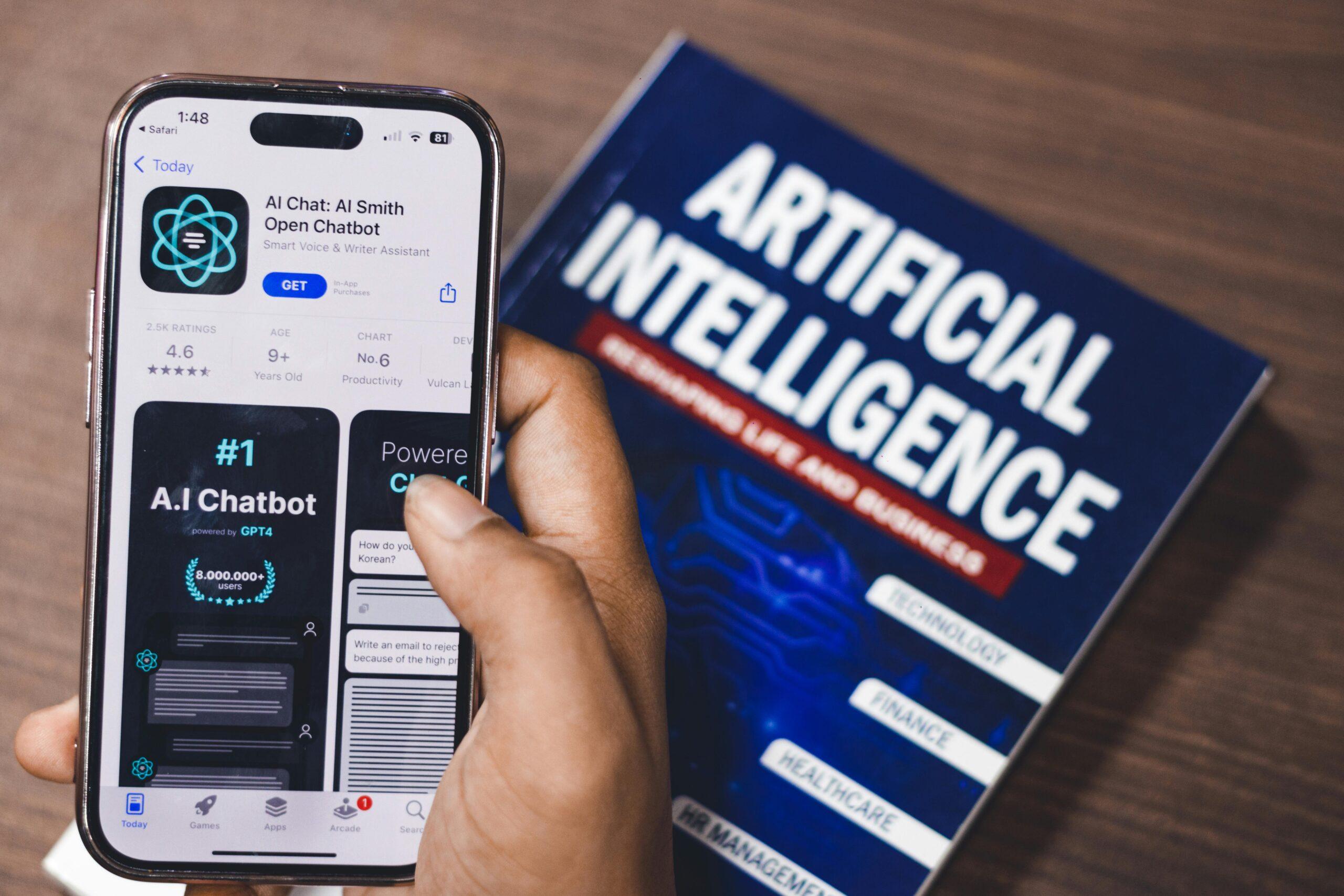
Let’s be honest — Artificial Intelligence is changing the way we work, create and communicate faster than anything we’ve ever seen before. From writing and designing to coding, video creation and business automation — AI tools are making everything faster, smarter and more exciting. And the best part? You don’t need to be a tech genius to use them!
Generative AI refers to AI systems that can generate text, images, audio, video and more — based on simple instructions you give them. Tools like ChatGPT, Midjourney, DALL-E and dozens of others are already being used by professionals across every industry to save time, boost creativity and deliver better results.
The Generative AI course at Anubhav Computer Institute is designed to give you a complete, practical understanding of the most powerful AI tools available today — and how to use them effectively in your studies, your career and your everyday life. Whether you’re a student who wants to get ahead, a professional who wants to work more efficiently, or simply someone who is curious about AI — this course will open your eyes to a whole new world of possibilities!
What You’ll Learn in This Course
- Master ChatGPT — the world’s most powerful AI assistant — for real-world tasks
- Learn the art of Prompt Engineering — how to talk to AI to get the best results
- Use AI in Microsoft tools — Word, Excel, PowerPoint and Outlook with AI superpowers
- Create stunning AI-Powered Presentations in minutes using smart AI tools
- Explore Creative AI Tools for Video & Audio — generate, edit and enhance media with AI
- Use Creative AI Tools for Design & Animation — create graphics and animations effortlessly
- Discover and master Advanced AI Platforms used by professionals worldwide
- Understand how Generative AI works and where it is heading in the future
- Apply AI tools practically across different industries and use cases
- Build a personal AI toolkit that makes you more productive and creative every single day
Tools You Will Learn
Learn industry-relevant tools with practical training designed to make you confident, skilled, and job-ready.















Generative AI Course Curriculum
This program covers important concepts and practical skills required for today’s digital world.
Module 1 : Introduction to ChatGPT
- What is ChatGPT and how it is changing the way we work and learn
- Understanding how large language models (LLMs) work in simple terms
- Setting up your ChatGPT account and navigating the interface
- Exploring ChatGPT’s capabilities — writing, research, coding, summarising & more
- Understanding the difference between ChatGPT versions — GPT-3.5 vs GPT-4
- Real-world use cases of ChatGPT across different industries and professions
- Limitations of ChatGPT and how to use it responsibly and ethically
Module 2: Prompt Engineering
- What is prompt engineering and why it is the most important AI skill to master
- Understanding how the quality of your prompt directly affects the quality of AI output
- Learning the key elements of an effective prompt — context, instruction, format & examples
- Writing prompts for different tasks — writing, analysis, summarising, coding & brainstorming
- Using advanced prompting techniques — chain of thought, role prompting & few-shot prompting
- Iterating and refining prompts to get increasingly better results from AI
- Building a personal library of powerful, reusable prompts for your everyday work
Module 3:AI in Microsoft
- Understanding how Microsoft Copilot is transforming the Microsoft 365 suite
- Using AI in Microsoft Word — drafting, rewriting, summarising and formatting documents
- Using AI in Microsoft Excel — generating formulas, analysing data and creating reports
- Using AI in Microsoft PowerPoint — generating slide decks and design suggestions with AI
- Using AI in Microsoft Outlook — drafting emails, summarising threads and scheduling
- Practical exercises using real Microsoft 365 documents with AI assistance
- Tips for getting the most out of Microsoft Copilot in a professional work environment
Module 4: AI for Presentations
- Introduction to AI-powered presentation tools — Gamma, Beautiful.ai, Tome & more
- Generating complete, well-structured presentations from a simple text prompt
- Customising AI-generated slides — layouts, colours, fonts and content
- Adding AI-generated images and visuals to make presentations more engaging
- Using AI to create speaker notes, talking points and presentation scripts
- Tips for combining AI-generated content with your own ideas for the best results
- Exporting and sharing AI-generated presentations professionally
Module 5: Creative AI Tools for Video & Audio
- Introduction to AI video generation tools — Runway, Pika, Sora & more
- Generating short videos and animations from text prompts using AI
- Using AI tools for video editing — auto-captioning, background removal and enhancement
- Introduction to AI audio tools — generating voiceovers, music and sound effects with AI
- Using AI to clone and enhance voices for professional audio production
- Practical exercises — creating a short AI-generated video and audio project from scratch
- Understanding the ethical use of AI-generated video and audio content
Module 6: Creative AI Tools for Design & Animation
- Introduction to AI image generation tools — Midjourney, DALL-E, Adobe Firefly & more
- Generating stunning images, illustrations and artwork from text prompts
- Using AI for graphic design — creating logos, banners, social media posts & more
- Introduction to AI animation tools — generating animated content with simple prompts
- Using AI design tools within Canva and Adobe for faster, smarter creative workflows
- Editing and refining AI-generated images for professional use cases
- Building a creative AI design workflow that saves time and boosts output quality
Module 7: Advanced AI Platforms
- Exploring the broader AI ecosystem — understanding different types of AI tools and platforms
- Introduction to Google Gemini — capabilities, use cases and comparison with ChatGPT
- Exploring Anthropic Claude — advanced reasoning, writing and analysis with AI
- Introduction to AI tools for coding — GitHub Copilot, Cursor and AI-assisted development
- Using AI for research and knowledge management — Perplexity AI and NotebookLM
- Understanding AI automation tools — Zapier AI, Make and no-code AI workflows
- Future trends in Generative AI — what’s coming next and how to stay ahead of the curve
- Building your personal AI toolkit — choosing the right tools for your goals and industry
Want Complete Details About the Course?
Get complete information about the Course
Key Highlights of the Course
Explore the important features and benefits that make the program a valuable certification for computer learning.
Government
Certification
Practical Lab
Training
Industy Expert
Trainer
Updated Course
Curriculum
Flexible Learning
Batches
Hands-on
Practice
Who Can Join & What You Will Gain
Discover who can enroll in this course, the benefits of learning, and the practical skills you will gain to grow your career.
- Who Can Join the Course
- Benefits of Learning the Course
- What Will You Gain
This course is designed for anyone who wants to build practical skills and improve their career opportunities. Whether you are a beginner or looking to upgrade your existing knowledge, this program is suitable for learners at different levels.
Students and freshers
Job seekers looking to gain skills
Working professionals wanting to upgrade
Business owners and entrepreneurs
Anyone interested in learning new skills
This course focuses on practical learning and skill development to help you grow professionally and stay competitive in today’s market.
Gain industry-relevant skills
Improve job and career opportunities
Build confidence with practical knowledge
Learn tools and techniques used in real work
Add value to your resume
By completing this course, you will develop the knowledge and practical skills required to perform tasks confidently in real-world scenarios.
Hands-on practical experience
Understanding of tools and technologies
Problem-solving and task execution skills
Industry-relevant knowledge
Confidence to work independently
Want Complete Details About the Course?
Get complete information about the Course
Start Your Learning Journey
Get started with a simple enrollment process and begin developing your skills with structured learning.
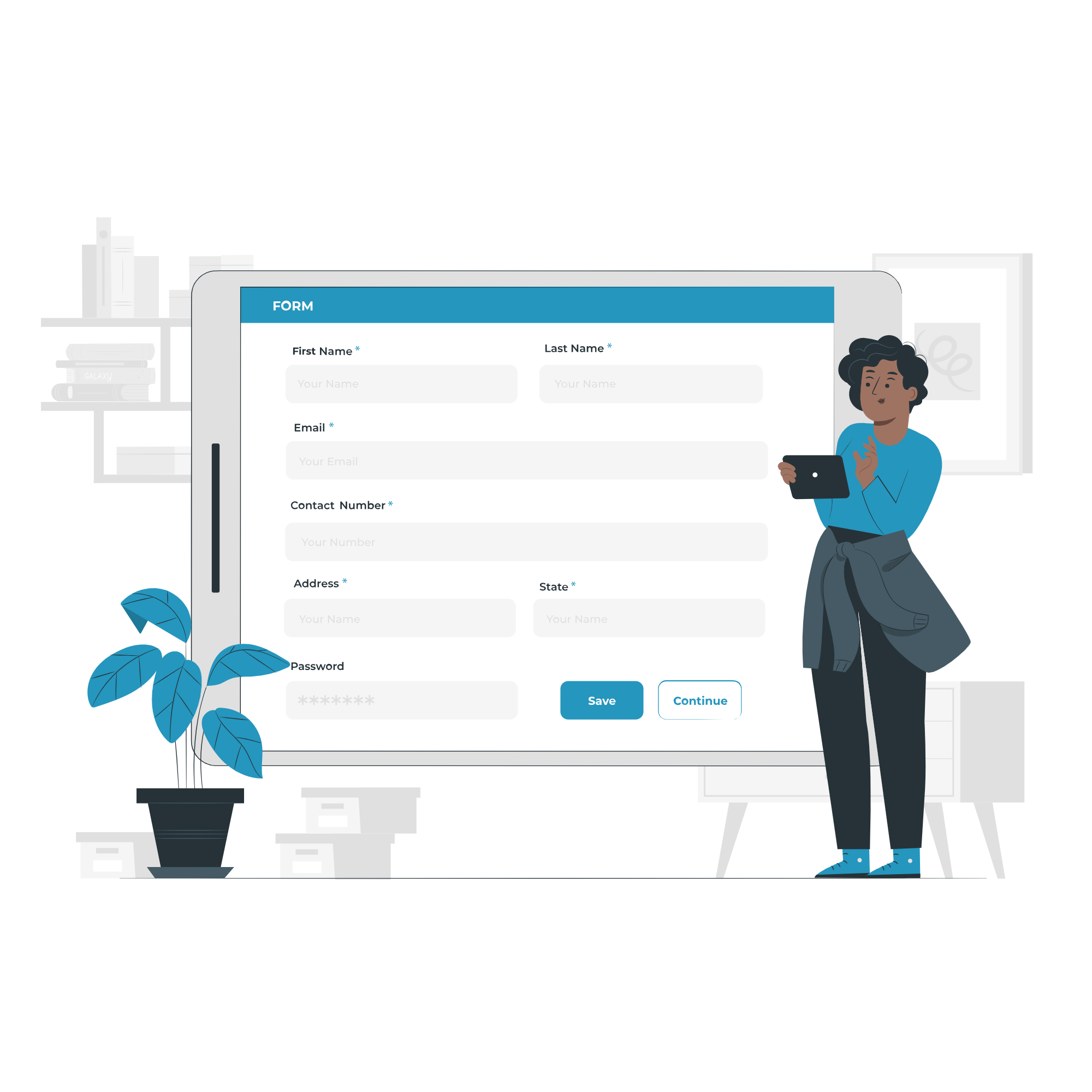
1. Fill the Enquiry Form
Submit your details through the website form to show your interest in the course.

2. Get Career Guidance
Our team will contact you to explain the course details, syllabus, batch timings, and answer your questions.

3. Enroll for Course
Confirm your seat by completing the registration process and submitting the required details.
4. Start Your Classes
Attend practical training sessions and begin learning essential computer and digital skills.
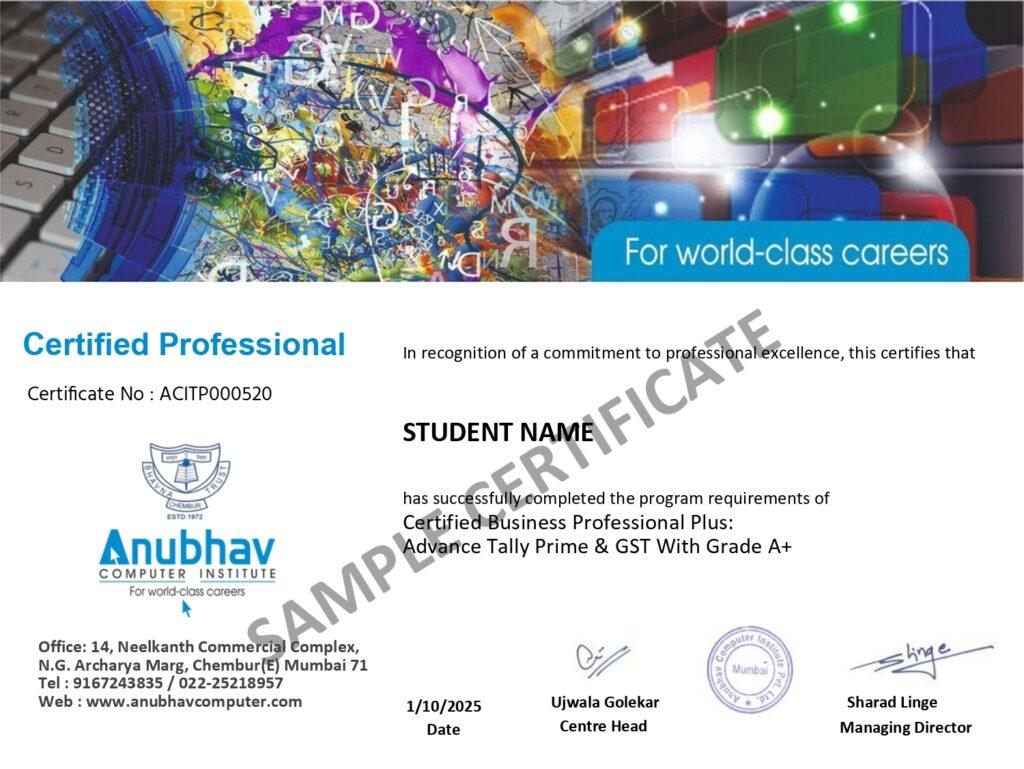
A Certification That Builds Digital Confidence
Earn the Recognized certification that validates your computer knowledge and digital skills required in today’s technology-driven world.
Industry Recognized Certification
Receive the Industry Recognized and a Trusted certification that demonstrates your ability to use computers and digital tools effectively.
Practical Computer Skills
The course is designed with a practical approach, enabling students to develop skills and gain experience using industry-relevant tools and techniques.
Valuable for Career Growth
The program follows a practical learning approach, enabling students to build strong skills and gain hands-on experience.