Revit Course
Ready to take your architecture and engineering designs to the next level? Revit is the world’s leading BIM (Building Information Modeling) software — and knowing it can completely transform your career! Our Revit course teaches you everything from modeling architecture elements and working with families to structural elements, MEP systems, views, schedules, sheets and professional collaboration workflows.
- Recognized Certification
- Beginner Friendly Course
- Practical Computer Training
- Industry Expert Trainer
- Government Recognized Certification
- Beginner Friendly Course
- Practical Computer Training
- Industry Expert Trainer
About Course
Hey Architects & Engineers — The Future of Building Design is Here!
The construction and architecture industry is changing fast — and BIM (Building Information Modeling) is at the heart of that change. Companies all over the world are moving away from traditional 2D drafting and embracing Revit as their go-to tool for designing, documenting and collaborating on building projects. And professionals who know Revit? They’re in incredibly high demand!
Revit is developed by Autodesk and is the industry-leading BIM software used by architects, structural engineers, MEP engineers and construction professionals worldwide. It allows entire project teams to work on a single intelligent 3D model — making design more accurate, efficient and collaborative than ever before.
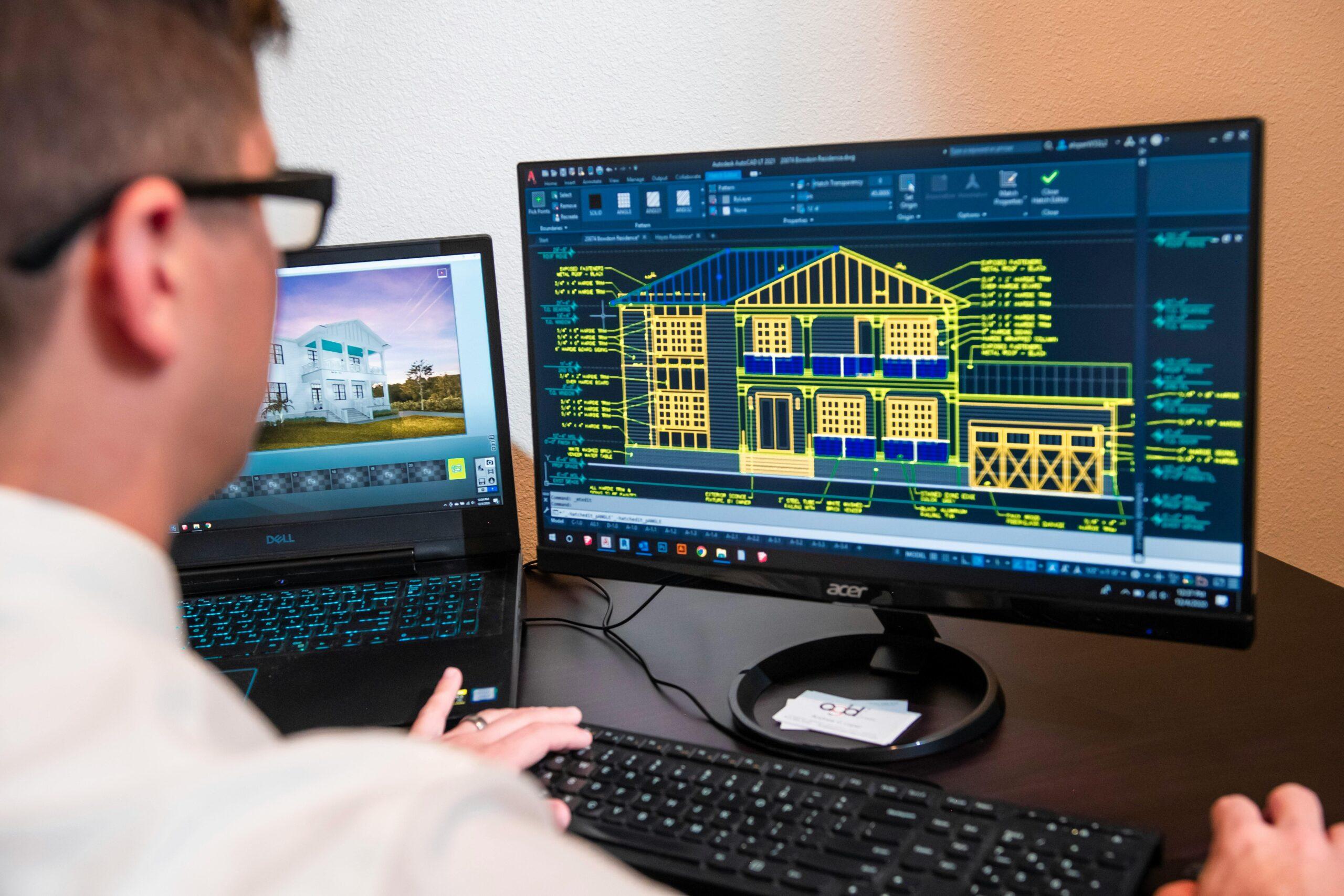
The Revit course at Anubhav Computer Institute is designed to give you a solid, practical foundation in Revit — from setting up your first project and modeling architectural elements, all the way to working with structural systems, MEP basics, professional documentation and team collaboration workflows. Whether you’re just starting your career or looking to add a powerful BIM skill to your existing expertise, this course will open doors you never thought possible! 😊
What You’ll Learn in This Course
- Set up and start a new Revit project from scratch with confidence
- Model complete Architectural Elements — walls, floors, roofs, doors, windows & staircases
- Work with Revit Families to create and customise building components
- Add and manage Structural Elements — columns, beams, foundations & framing
- Understand the basics of MEP Systems — Mechanical, Electrical and Plumbing
- Create and manage professional Views, Sections & Elevations
- Generate accurate Schedules and Quantities for cost planning
- Produce complete Sheets and Documentation for project submission
- Work efficiently in a Collaborative and Work-sharing environment
- Understand core BIM Concepts and how they apply to real projects
Tools You Will Learn
Learn industry-relevant tools with practical training designed to make you confident, skilled, and job-ready.












Revit Course Curriculum
This program covers important concepts and practical skills required for today’s digital world.
Module 1 : Introduction to Revit & BIM Concepts
- What is BIM and why it is transforming the architecture and construction industry
- Understanding how Revit differs from traditional CAD tools like AutoCAD
- Overview of the Revit interface — ribbon, project browser, properties panel and view area
- Understanding Revit’s core elements — model elements, datum elements and view-specific elements
- Setting up a new project — choosing the right template and project units
- Navigating the 3D model — orbit, pan, zoom and view cube controls
Module 2: Starting a New Project
- Understanding Revit project templates and when to use each one
- Setting up levels and grids as the foundation of your building model
- Configuring project settings — units, snapping and object styles
- Understanding the relationship between views and the 3D model
- Creating and managing project phases for design and construction stages
- Saving, backing up and managing Revit project files efficiently
Module 3: Modeling Architecture Elements
- Drawing and editing walls — basic, curtain and stacked wall types
- Adding floors with correct material layers and structural properties
- Creating roofs — by footprint, by extrusion and using roof tools
- Inserting and customising doors and windows from families
- Modeling staircases, ramps and railings for multi-level buildings
- Adding ceilings, columns and architectural details to complete the model
Module 4: Working with Families
- Understanding what Revit Families are and why they are central to BIM
- Difference between System Families, Loadable Families and In-Place Families
- Loading and placing families from the Revit library into your project
- Editing existing families to customise dimensions and parameters
- Creating simple custom families from scratch using the Family Editor
- Managing and organising families within your project for efficiency
Module 5: Structural Elements
- Introduction to structural modeling in Revit
- Adding structural columns and walls to support the building model
- Placing structural beams and framing systems accurately
- Modeling foundations — isolated, wall and slab foundations
- Understanding structural floors and their role in the building model
- Coordinating structural elements with architectural models for clash detection
Module 6: MEP (Mechanical, Electrical & Plumbing) — Intro
- Understanding the role of MEP systems in building design and BIM
- Introduction to mechanical systems — HVAC ducts and air terminals
- Basics of electrical systems — lighting fixtures, power outlets and panels
- Introduction to plumbing systems — pipes, fittings and fixtures
- Understanding how MEP models are coordinated with architectural and structural models
- Viewing and reviewing MEP systems within the combined building model
Module 7: Views, Sections & Elevations
- Understanding the different view types in Revit — floor plans, ceiling plans and 3D views
- Creating and setting up section views to cut through the building model
- Generating interior and exterior elevation views automatically from the model
- Using callout views to zoom into specific areas for detailed documentation
- Setting up camera views and walkthroughs for client presentations
- Managing view templates to maintain consistency across all project views
Module 8: Schedules and Quantities
- Understanding what schedules are and how they are generated from the model
- Creating room and space schedules for area calculations
- Generating door, window and furniture schedules automatically
- Setting up material takeoff schedules for quantity estimation
- Formatting and customising schedules for professional presentation
- Linking schedule data to sheets for complete project documentation
Module 9 : Sheets and Documentation
- Understanding the sheet setup workflow in Revit
- Creating title blocks and setting up drawing sheets
- Placing views, schedules and legends onto sheets accurately
- Adding annotations — dimensions, text, tags and keynotes to sheets
- Setting up and managing revision tracking on drawing sheets
- Printing and exporting sheets as PDF files for professional submission
Module 10 : Collaboration and Work-sharing
- Understanding the concept of work-sharing and central models in Revit
- Setting up a central model and creating local copies for team members
- Using worksets to divide the model among multiple team members
- Synchronising changes with the central model and managing conflicts
- Using Revit’s Collaborate tools for cloud-based team coordination
- Best practices for BIM collaboration in real construction project environments
Want Complete Details About the Course?
Get complete information about the Course
Key Highlights of the Course
Explore the important features and benefits that make the program a valuable certification for computer learning.
Government
Certification
Practical Lab
Training
Industy Expert
Trainer
Updated Course
Curriculum
Flexible Learning
Batches
Hands-on
Practice
Who Can Join & What You Will Gain
Discover who can enroll in this course, the benefits of learning, and the practical skills you will gain to grow your career.
- Who Can Join the Course
- Benefits of Learning the Course
- What Will You Gain
This course is designed for anyone who wants to build practical skills and improve their career opportunities. Whether you are a beginner or looking to upgrade your existing knowledge, this program is suitable for learners at different levels.
Students and freshers
Job seekers looking to gain skills
Working professionals wanting to upgrade
Business owners and entrepreneurs
Anyone interested in learning new skills
This course focuses on practical learning and skill development to help you grow professionally and stay competitive in today’s market.
Gain industry-relevant skills
Improve job and career opportunities
Build confidence with practical knowledge
Learn tools and techniques used in real work
Add value to your resume
By completing this course, you will develop the knowledge and practical skills required to perform tasks confidently in real-world scenarios.
Hands-on practical experience
Understanding of tools and technologies
Problem-solving and task execution skills
Industry-relevant knowledge
Confidence to work independently
Want Complete Details About the Course?
Get complete information about the Course
Start Your Learning Journey
Get started with a simple enrollment process and begin developing your skills with structured learning.
1. Fill the Enquiry Form
Submit your details through the website form to show your interest in the course.

2. Get Career Guidance
Our team will contact you to explain the course details, syllabus, batch timings, and answer your questions.

3. Enroll for Course
Confirm your seat by completing the registration process and submitting the required details.

4. Start Your Classes
Attend practical training sessions and begin learning essential computer and digital skills.
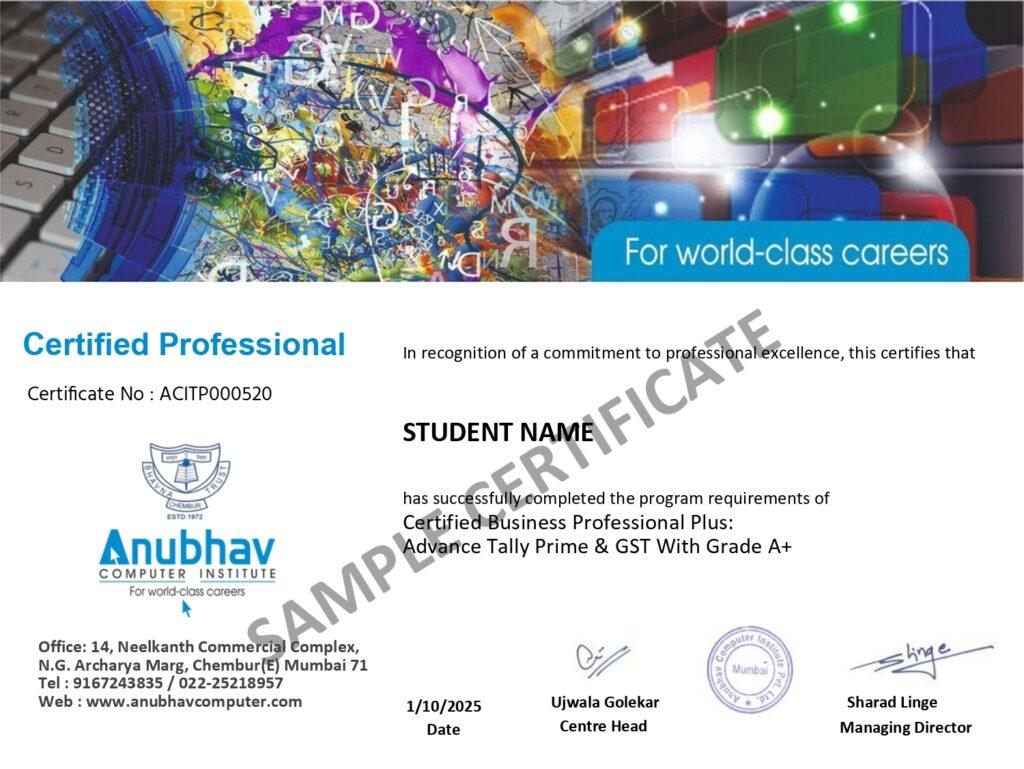
A Certification That Builds Digital Confidence
Earn the Recognized certification that validates your computer knowledge and digital skills required in today’s technology-driven world.
Industry Recognized Certification
Receive the Industry Recognized and a Trusted certification that demonstrates your ability to use computers and digital tools effectively.
Practical Computer Skills
The course is designed with a practical approach, enabling students to develop skills and gain experience using industry-relevant tools and techniques.
Valuable for Career Growth
The program follows a practical learning approach, enabling students to build strong skills and gain hands-on experience.