Google Sketchup Course
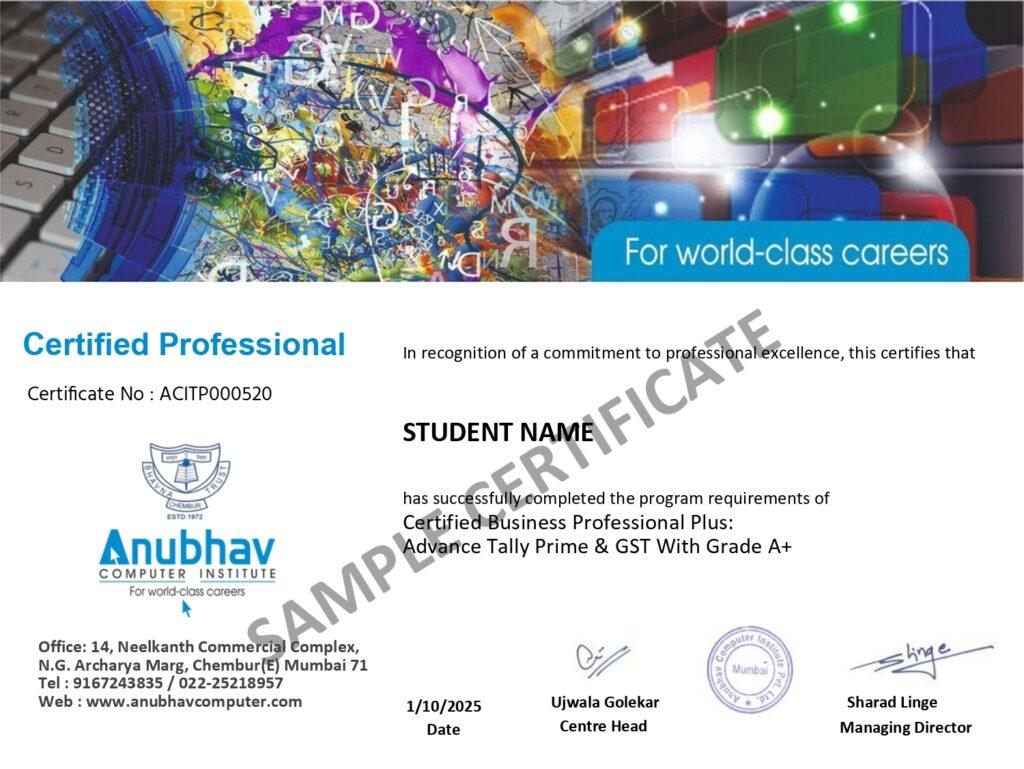
If you are interested in creating 3D designs of buildings, interiors or different spaces, then learning SketchUp can be useful for you. Google SketchUp Course in Chembur explains how to use the software from scratch along with practice of creating 3D models. During training, features like drawing tools, shapes, materials, textures, components and scenes are worked on. You can learn how to prepare your design idea in 3D through different practical tasks. The course is taught in an easy-to-understand manner, even for SketchUp beginners. Google SketchUp Certificate is also given after completing the course.
- Recognized Certification
- Beginner Friendly Course
- Practical Computer Training
- Industry Expert Trainer
- Government Recognized Certification
- Beginner Friendly Course
- Practical Computer Training
- Industry Expert Trainer
About Course
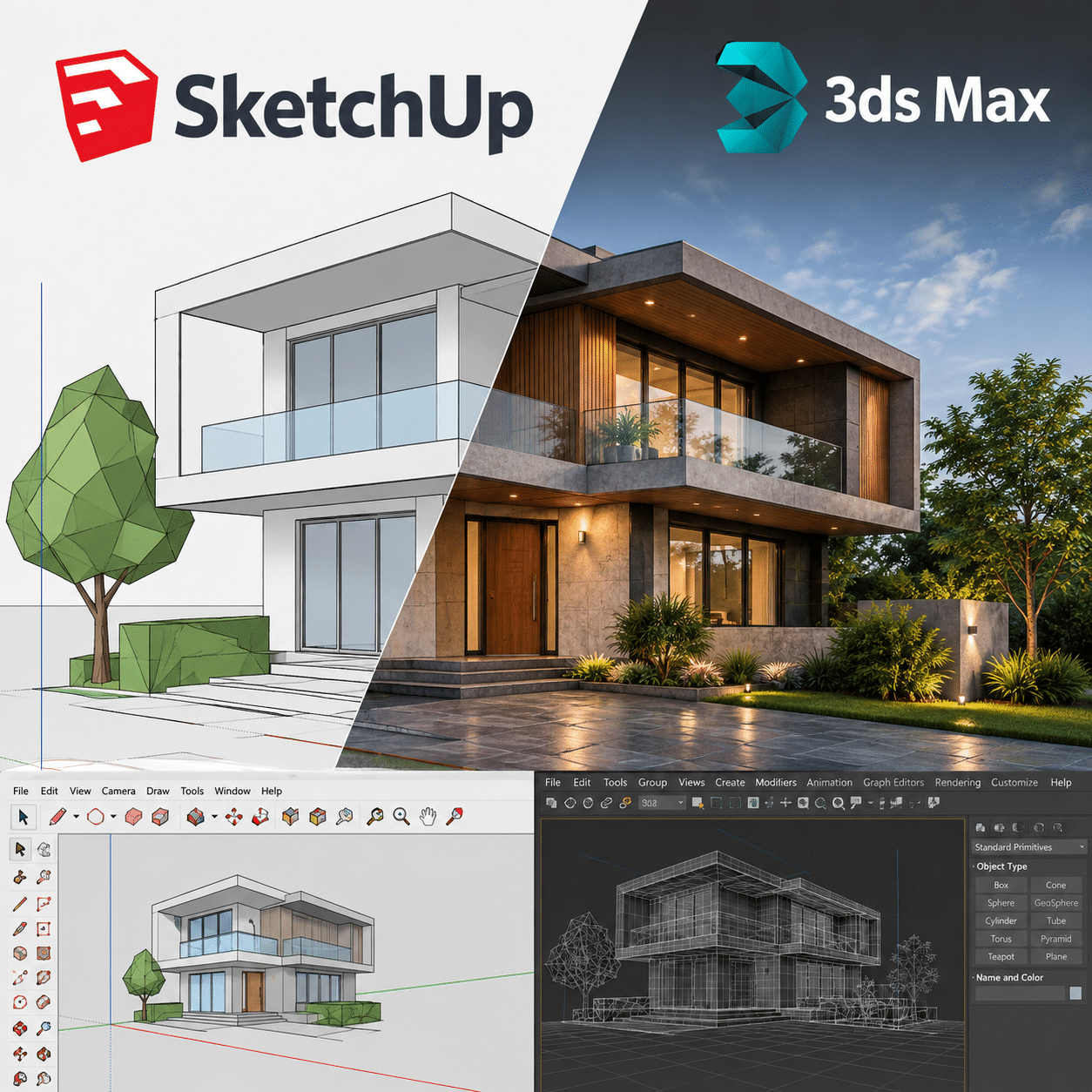
Google SketchUp Course in Chembur at Anubhav Computer Institute is for those who want to learn to work with 3D design. Initially SketchUp’s interface and general tools are explained. After that, in the class, there is practice like making drawings, using lines and shapes, preparing simple 3D models and making necessary changes in them. Models are prepared with walls, doors, windows and other elements to be useful in building and interior design work. Features like materials, textures, components and scenes are also explained with examples.
If you want to learn Google SketchUp, here is the time to work in the software yourself instead of just relying on notes. Gradually understand where to use tools and how to change the design while creating a model. Different practical exercises help to get hands on SketchUp. A Google SketchUp Certificate is also awarded upon completion of the course, which can help demonstrate completed training.
Why choose Google SketchUp Course in Chembur At Anubhav Computer Institute
If you are interested in turning 3D drawing, building design or interior ideas into models on the computer, Anubhav Computer Institute’s Google SketchUp Course in Chembur can be useful. Here, instead of just memorizing the commands of the software, the practice of creating the model itself is done using the tool in the class. Topics are explained from a basic level for beginner students, so that the understanding of working with SketchUp develops gradually.
- Practical Learning: Practice is done with small tasks of drawing and making 3D models.
- Easy start: Interface, basic tools and modeling are explained from the beginning.
- Design Practice: Models like rooms, walls, furniture and interior elements are prepared.
- Materials & Textures: The use of materials and textures can be learned to give a different look to the model.
- Components & Scenes: Get an understanding of working with repeated elements and different model views.
- Learn Google SketchUp: Exercises provide hands-on experience in the software.
- Project-based Practice: Practice shows how to take a design from scratch to model.
- Beginner Friendly: Even if you have no previous experience with SketchUp, you can start from the basic level.
- Regular Practice: Doing different tasks increases familiarity with the tools.
- Chembur Location: Learners looking for Google SketchUp Classes Near Me can easily find the class option in Chembur.
Learn SketchUp with practical training at Google SketchUp Course in Chembur and start making your design ideas into 3D models. Contact today for admission.
Tools You Will Learn
Learn industry-relevant tools with practical training designed to make you confident, skilled, and job-ready.















3Ds Max Google Sketchup Course Curriculum
This program covers important concepts and practical skills required for today’s digital world.
Module 1 : Introduction to SketchUp Interface
- What is Google SketchUp and where it is used in the real world
- Understanding the SketchUp workspace — toolbars, menus and drawing area
- Navigating the 3D environment — orbit, pan, zoom and look around tools
- Setting up units, templates and project preferences
- Understanding the axes system — red, green and blue axes in 3D space
- Saving, opening and managing SketchUp project files
Module 2: Drawing Tools
- Using the Line tool to draw precise edges and shapes
- Creating 2D shapes — rectangles, circles, polygons and arcs
- Using the Push/Pull tool to convert 2D shapes into 3D objects
- Working with the Move, Rotate and Scale tools for object manipulation
- Using the Tape Measure and Protractor tools for accurate measurements
- Applying the Offset tool to create parallel edges and shapes
Module 3: 3D Modeling Basics
- Understanding SketchUp’s face and edge based modeling system
- Building basic 3D objects — walls, floors, roofs and openings
- Creating doors, windows and architectural details from scratch
- Using the Follow Me tool for extruding shapes along a path
- Modeling furniture, fixtures and interior elements
- Building complete room layouts and simple building models step by step
Module 4: Groups and Components
- Understanding the difference between groups and components
- Creating groups to protect and organise geometry
- Creating reusable components for doors, windows and furniture
- Editing groups and components without affecting the rest of the model
- Using the Outliner to manage and navigate complex model hierarchies
- Best practices for keeping large models clean and well organised
Module 5: Working with Materials and Textures
- Understanding the Materials panel and how to apply materials
- Using SketchUp’s built-in material libraries — wood, brick, glass, metal & more
- Importing and applying custom texture images to surfaces
- Adjusting texture scale, position and orientation on faces
- Creating and saving custom materials for reuse across projects
- Using transparent materials for glass, water and other see-through surfaces
Module 6: Scenes and Views
- Understanding scenes and their role in presentations and animations
- Creating and naming scenes to capture specific camera positions
- Setting up walkthrough animations by transitioning between scenes
- Adjusting scene transition timing for smooth presentations
- Using different display styles — wireframe, shaded, textured and sketchy
- Setting up shadow and fog effects for realistic scene presentations
Module 7: Layers (Tags) and Outliner
- Understanding layers (Tags) and why they are essential for complex models
- Creating and assigning tags to organise different parts of the model
- Controlling layer visibility to simplify the view during modeling
- Using the Outliner panel to navigate and select objects in complex models
- Best practices for layer naming conventions in professional projects
- Managing and cleaning up layers for a well-organised final model
Module 8: Using SketchUp Warehouse
- What is the SketchUp 3D Warehouse and how to access it
- Searching and downloading free 3D components — furniture, trees, cars & more
- Importing Warehouse components directly into your SketchUp model
- Evaluating and optimising downloaded components for performance
- Uploading your own components to the Warehouse for sharing
- Best practices for using Warehouse models without slowing down your project
Module 9 : Exporting and Presenting Your Model
- Setting up the camera and composition for a professional presentation view
- Exporting 2D images — JPG, PNG and PDF — for client presentations
- Exporting 3D models in formats compatible with other software — OBJ, DWG & more
- Creating animation walkthroughs and exporting as video files
- Using LayOut (SketchUp’s companion tool) for professional drawing sheets
- Tips for presenting your SketchUp models confidently to clients and employers
Module 10 : Extensions and Plugins
- What are SketchUp extensions and why they are game-changers
- Installing and managing extensions through the Extension Warehouse
- Using popular extensions — Fredo6 tools, Joint Push Pull, Solid Inspector & more
- Applying rendering plugins — V-Ray or Enscape for photorealistic outputs
- Using extensions for faster modeling, cleanup and advanced geometry
- Building your own personalised extension toolkit for professional workflows
Who Can Join & What You Will Gain
Discover who can enroll in the Google SketchUp Course in Chembur, explore its key benefits, and develop practical 3D design skills that can help you build confidence and advance your career in the design field.
- Who Can Join the Course
- Benefits of Learning the Course
- What Will You Gain
No prior design experience is required to begin learning SketchUp. If you are interested in creating building plans, interior spaces or 3D models and like working on computer, then you can do Google SketchUp Course in Chembur at Anubhav Computer Institute. The course starts with basic tools and simple drawings. Then gradually they are taught to prepare a 3D model, put materials and textures in it and see the model in different views. Google SketchUp Syllabus includes topics of modeling and presentation that are useful in everyday design work.
- Architecture Students: Students who want to learn 3D modeling along with Design.
- Interior Learners: Learners interested in creating 3D models of rooms and furniture.
- Beginners: People who are using SketchUp for the first time.
- Working Professionals: Professionals who want to add 3D modeling to their work.
- Job Seekers: Candidates looking to build a portfolio with new software skills.
- Certificate Seekers: Learners who want to get Google SketchUp Certificate after completion of training.
SketchUp makes it possible to create any 3D design idea on screen and see it up close. Anubhav Computer Institute’s Google SketchUp Course in Chembur offers an opportunity to work with the software yourself so that you understand how to use the tools instead of just reading about them. In the training, drawing, basic modeling, materials, textures, components, scenes and model presentation are practiced as part of the Google SketchUp Syllabus. By creating different models, learners find it easier to change the design and prepare the model according to their needs.
- Understanding of making 3D Model: Can work with elements like building, room and furniture.
- Visualizing the Idea: Necessary changes can be made by viewing the created design in 3D.
- Hands-on Practice: Practical work is done using tools in the class.
- Improvement in Modelling: Regular practice leads to better understanding of modeling.
- New Skill: Useful 3D software skill can be learned in Design field.
- Certificate: After completing the course there is an opportunity to get a Google SketchUp Certificate.
After doing Google SketchUp Course in Chembur you can get a better understanding of making your own design ideas in 3D in SketchUp. During the course, not only the tools are shown on the screen, but also practice of working on different drawings and models. By understanding the topics of the Google SketchUp Syllabus in a practical manner, one develops an understanding of which tools are needed while creating simple models of buildings or interiors. You get used to gradually changing the model, adding materials and seeing the finished design in different views.
- 3D Modelling: The practice of creating models from shapes and design elements.
- Design Understanding: Understanding of representing building and interior ideas in 3D.
- SketchUp Tools: Work with drawing, materials, textures, components and scenes.
- Model Views: A way to view and present the finished design from different angles.
- Hands-on Work: Hands-on experience working in software through class exercises.
- Useful Skill: 3D modeling skill that can be useful in design work.
- Certificate: Opportunity to get Google SketchUp Certificate after course completion.
Frequently Asked Questions
Google SketchUp Course in Chembur is a practical training program for learners who want to understand 3D modelling, building design, interior modelling and SketchUp tools.
Students, beginners, interior design learners, working professionals and anyone interested in learning 3D modelling can join the course.
No. Beginners can start with the basic tools and gradually move toward 3D modelling and practical exercises.
The syllabus can include drawing tools, 3D modelling, materials, textures, components, scenes, views and model presentation.
Yes. Practical exercises can help learners understand how SketchUp is used to create rooms, furniture and other interior elements.
Learn SketchUp skills required for building and interior modeling in a practical way and get Google SketchUp Certificate after course completion. Contact us for Enrollment.
Want Complete Details About the Course?
Get complete information about the Course
Key Highlights of the Course
Explore the important features and benefits that make the program a valuable certification for computer learning.
Recognized
Certification
Practical Lab
Training
Industy Expert
Trainer
Updated Course
Curriculum
Flexible Learning
Batches
Hands-on
Practice
Want Complete Details About the Course?
Get complete information about the Course
Start Your Learning Journey
Get started with a simple enrollment process and begin developing your skills with structured learning.

1. Fill the Enquiry Form
Submit your details through the website form to show your interest in the course.

2. Get Career Guidance
Our team will contact you to explain the course details, syllabus, batch timings, and answer your questions.

3. Enroll for Course
Confirm your seat by completing the registration process and submitting the required details.

4. Start Your Classes
Attend practical training sessions and begin learning essential computer and digital skills.
A Certification That Builds Digital Confidence
Earn the Recognized certification that validates your computer knowledge and digital skills required in today’s technology-driven world.
Industry Recognized Certification
Receive the Industry Recognized and a Trusted certification that demonstrates your ability to use computers and digital tools effectively.
Practical Computer Skills
The course is designed with a practical approach, enabling students to develop skills and gain experience using industry-relevant tools and techniques.
Valuable for Career Growth
The program follows a practical learning approach, enabling students to build strong skills and gain hands-on experience.