
Autocad Electrical
AutoCAD Electrical can be useful software for students, diploma holders, engineers and beginners who want to learn electrical design. Things like electrical drawing, wiring diagram, symbols, control circuit and panel design are understood in it. Anubhav Computer Institute’s AutoCAD Electrical Course in Chembur focuses on practical work so that one can develop a better understanding of the software’s tools as well as a better understanding of electrical drafting.
- Recognized Certification
- Beginner Friendly Course
- Practical Computer Training
- Industry Expert Trainer
- Government Recognized Certification
- Beginner Friendly Course
- Practical Computer Training
- Industry Expert Trainer
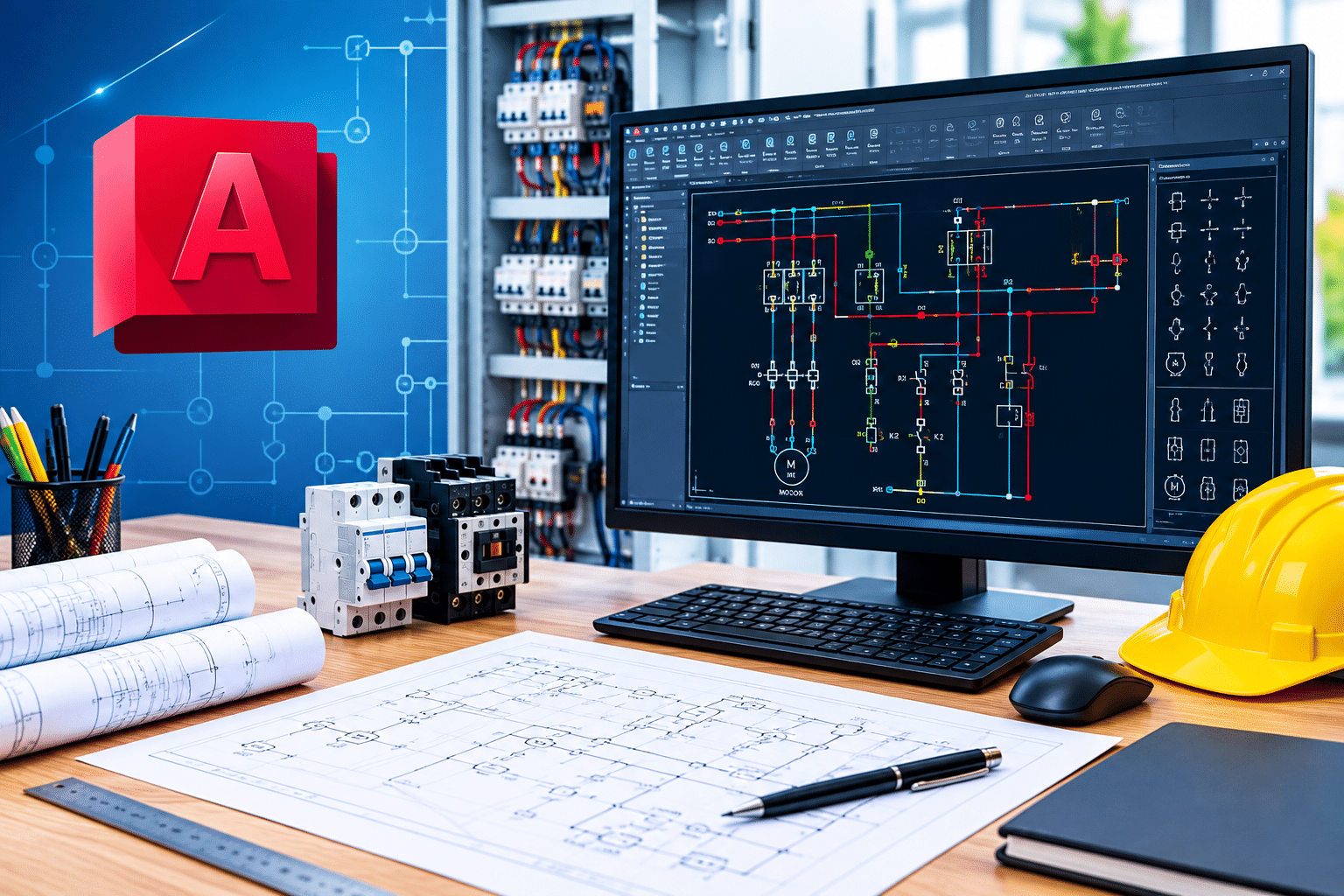
About Course
While teaching AutoCAD Electrical Course in Chembur at Anubhav Computer Institute the tools of the software are not only explained but also shown through practice how to use them to create drawings. During the course work is done on electrical symbols, wiring diagrams, schematic drawing, control circuits, panel layouts and other necessary drafting work. Beginners are started with basic concepts so that understanding the software is not too difficult.
Here in autocad electrical training course students get opportunity to work on different drawings. The mistakes made during practice are explained and the way to correct them is also shown. Getting an autocad electrical certification after completing the course can help showcase your CAD skills on your resume. This course can be useful for students, diploma holders and beginners who want to learn electrical drafting.
Why Choose Anubhav Computer Institute for autocad electrical course in chembur
When starting to learn electrical drafting, the tools, symbols and drawing style of the software may seem a bit new at first. Which tool to use when and how to make the necessary changes in the drawing is better understood after practice. During AutoCAD Electrical Course in Chembur at Anubhav Computer Institute students are given an opportunity to work on the drawing themselves by simply explaining the topics. The understanding of working with software gradually develops by re-examining the things learned in class.
- Practical Learning: Practice making different drawings with wiring, electrical symbols and circuits.
- Starting from Basic: Learning is started with basic tools and commands for beginners.
- Autocad Electrical Training: How to use commands in drawing is explained with practical work.
- Drawing Practice: In Autocad electrical drawing course work is done on schematic, layout and panel-related drawings.
- Mistake Correction: How to detect and correct mistakes while drawing is explained.
- Regular Practice: Reusing learned tools makes software handling easier.
- Doubt Clearing: Clarity can be obtained by asking questions about topics or commands that are not understood.
- Practical Approach: Working on separate drawings helps to understand actual use of tools.
- Suitable for Learners: Useful for students, diploma holders and beginners who want to start in CAD field.
- Drafting Skills: Continuous practice helps improve drawing accuracy and software usage skills.
- Step-by-Step Learning: Topics are explained one by one so that the learning process is easy.
- Work Understanding: Practical understanding of arranging details in electrical drawings and making necessary changes.
Improve your CAD skills with the AutoCAD Electrical Course in Chembur and learn how electrical drawings are prepared, edited and managed using practical exercises. Enquire today and explore the course details.
Tools You Will Learn
Learn industry-relevant tools with practical training designed to make you confident, skilled, and job-ready.















Autocad Electrical Course Curriculum
This program covers important concepts and practical skills required for today’s digital world.
Module 1 : Introduction to AutoCAD Electrical
- Overview of AutoCAD Electrical
- AutoCAD vs. AutoCAD Electrical
- Electrical design workflow
- Electrical project environment
- Project setup and management
Module 2: Drawing Tools and Drafting Essentials
- Basic drawing commands
- Line, Polyline, Circle and Arc
- Object selection techniques
- Snap, Grid and Ortho
- Coordinate systems
- Basic electrical drafting practices
Module 3: Editing and Modification Commands
- Move, Copy and Rotate
- Mirror and Scale
- Trim and Extend
- Offset and Fillet
- Array commands
- Object properties and editing
Module 4: Electrical Layers and Standards
- Creating and managing layers
- Layer properties
- Electrical drafting standards
- Layer naming conventions
- Line types and line weights
- Drawing organization
Module 5: Annotations and Dimensions
- Adding text and notes
- Dimension styles
- Linear and aligned dimensions
- Electrical symbols and labels
- Annotation standards
- Drawing documentation
Module 6: Working with Electrical Components
- Electrical symbols
- Inserting components
- Component tagging
- Wires and wire numbering
- Connecting electrical components
- Component properties and attributes
Module 7: Parametric Design
- Introduction to parametric design
- Geometric constraints
- Dimensional constraints
- Dynamic design changes
- Maintaining design relationships
- Parametric electrical layouts
Module 8: Assembly Drawings
- Creating assembly drawings
- Component arrangement
- Electrical assembly layouts
- Connecting multiple components
- Assembly documentation
- Design modification and updates
Module 9 : Title Blocks, Borders and Templates
- Creating drawing borders
- Title block design
- Adding project information
- Creating drawing templates
- Standardizing drawings
- Reusing templates for projects
Module 10 : Plotting and Publishing
- Preparing drawings for printing
- Page setup
- Plot settings
- Print scale and orientation
- PDF publishing
- Batch plotting and drawing sharing
Who Can Join & What You Will Gain
- Who Can Join the Course
- Benefits of Learning the Course
- What Will You Gain
From beginners who want to learn electrical drafting to learners with technical background, many people can join AutoCAD Electrical Course in Chembur. Advanced CAD knowledge is not required for the course; One can also start with basic computer understanding.
- Electrical students: Useful for students related to electrical subjects.
- Diploma holders: Eligible for Electrical and related diploma learners.
- Engineers: Engineers who want to improve drafting and design skills can join.
- Beginners: Software can go beyond basic level for first-time learners.
- Job Seekers: Useful for candidates who want to start a career in electrical drafting.
- Working Professionals: Also suitable for professionals who want to enhance their existing CAD skills.
- Practical drawing : practice is available through Autocad electrical training course.
- This learning can also be helpful in preparing for Autocad electrical certification.
After learning electrical drafting, the understanding of where the tools of the software are useful while working on the drawings gradually builds. AutoCAD Electrical Course in Chembur gives an opportunity to understand things like wiring, symbols, circuits and schematic work with practice. Trying out the same topic in different drawings makes it easier to use the software and also increases confidence in preparing the drawing itself.
- Get used to understanding electrical symbols and connections in drawings.
- In Autocad electrical training course you get hands-on experience with tools.
- Autocad electrical drawing course involves making schematic and panel drawings.
- Understands how to make necessary changes in the prepared drawing.
- Gets a basic understanding of how electrical drafting works.
- Frequent practice makes it a habit to pay attention to accuracy while making a drawing.
After learning AutoCAD Electrical Course in Chembur, learners get a basic to practical understanding of working with electrical drawings. It is understood which tools to use while working on different types of drawing, how to show connections and how to correct errors in the drawing. Due to the practice done in the class, confidence gradually increases while working with the software.
- Habit to understand electrical symbols and wiring in drawing
- Experience working on Circuits and schematic drawings
- Opportunity to try software tools in Autocad electrical classes
- Practice of drawing during Autocad electrical training
- Understanding of modification and correction of old drawing
- Habit of checking drawing details carefully
- Useful practical knowledge for electrical drafting
- Software confidence for further study or job
Frequently Asked Questions
The course covers electrical symbols, wiring diagrams, schematic drawings, circuits, panel layouts and practical work with AutoCAD Electrical tools.
Yes, even beginners with basic computer knowledge can learn the course from beginner level.
Not mandatory. Starting with basic concepts, software tools and commands can be explained.
Yes, learners get practice working on electrical drawings and using the tools learned.
Electrical students, diploma holders, engineers, beginners, job seekers and working professionals who want to improve their CAD skills can do this course.
Build practical skills with the AutoCAD Electrical Course in Chembur and learn electrical drawings, wiring, circuits, symbols and schematic design through hands-on training. Enquire today and take the next step towards improving your drafting skills.
Want Complete Details About the Course?
Get complete information about the Course
Key Highlights of the Course
Explore the important features and benefits that make the program a valuable certification for computer learning.
Recognized
Certification
Practical Lab
Training
Industy Expert
Trainer
Updated Course
Curriculum
Flexible Learning
Batches
Hands-on
Practice
Want Complete Details About the Course?
Get complete information about the Course
Start Your Learning Journey
Get started with a simple enrollment process and begin developing your skills with structured learning.

1. Fill the Enquiry Form
Submit your details through the website form to show your interest in the course.

2. Get Career Guidance
Our team will contact you to explain the course details, syllabus, batch timings, and answer your questions.

3. Enroll for Course
Confirm your seat by completing the registration process and submitting the required details.

4. Start Your Classes
Attend practical training sessions and begin learning essential computer and digital skills.
A Certification That Builds Digital Confidence
Earn the Recognized certification that validates your computer knowledge and digital skills required in today’s technology-driven world.
Industry Recognized Certification
Receive the Industry Recognized and a Trusted certification that demonstrates your ability to use computers and digital tools effectively.
Practical Computer Skills
The course is designed with a practical approach, enabling students to develop skills and gain experience using industry-relevant tools and techniques.
Valuable for Career Growth
The program follows a practical learning approach, enabling students to build strong skills and gain hands-on experience.