3Ds Max Course
Ever wondered how those stunning 3D visuals, architectural renders, animated characters and movie-like effects are created? It all starts with 3Ds Max! Our 3Ds Max course teaches you everything from 3D modeling and texturing to lighting, animation, character rigging and professional rendering techniques — from scratch.
- Recognized Certification
- Beginner Friendly Course
- Practical Computer Training
- Industry Expert Trainer
- Government Recognized Certification
- Beginner Friendly Course
- Practical Computer Training
- Industry Expert Trainer

About Course
Hey Creative Minds — Welcome to the World of 3D!
Have you ever watched an animated movie, played a video game or seen a stunning architectural visualisation and thought — “How on earth did they make that?” Well, the answer is tools like 3Ds Max — and now you can learn to use it too!
3Ds Max is one of the most powerful and widely used 3D modeling, animation and rendering software tools in the world. It’s used by architects, interior designers, game developers, animation studios, visual effects artists and product designers every single day to create breathtaking 3D visuals and animations.
The 3Ds Max course at Anubhav Computer Institute is designed to take you on a complete journey — from understanding the 3Ds Max interface and creating your first 3D object, all the way to mastering materials, lighting, character animation and professional rendering techniques. Whether you’re a complete beginner or someone with basic design knowledge, this course will give you the skills and confidence to create stunning 3D work that stands out!
What You’ll Learn in This Course
- Navigate and work confidently within the 3Ds Max Interface
- Create and modify impressive 3D Objects and Models from scratch
- Apply professional Modeling Techniques for realistic and detailed designs
- Add life to your models with Materials and Texturing
- Set up stunning Lighting and Environment for realistic renders
- Control and compose scenes using Cameras and Views
- Bring your designs to life with Animation Basics
- Create engaging Character Rigging and Animation
- Produce professional-quality outputs using Rendering Techniques
Tools You Will Learn
Learn industry-relevant tools with practical training designed to make you confident, skilled, and job-ready.















3Ds Max Course Curriculum
This program covers important concepts and practical skills required for today’s digital world.
Module 1 : Introduction to 3Ds Max Interface
- What is 3Ds Max and where it is used in the real world
- Understanding the 3Ds Max workspace — viewports, panels and toolbars
- Navigating the 3D environment — orbit, pan, zoom and view controls
- Setting up units, grid and project preferences
- Understanding the command panel and its key sections
- Saving, importing and exporting files in different formats
Module 2: Creating and Modifying 3D Objects
- Creating standard and extended primitives — box, sphere, cylinder, cone & more
- Using transform tools — move, rotate and scale objects precisely
- Understanding pivot points and coordinate systems
- Cloning and mirroring objects for efficient modeling
- Using the array tool to create repetitive object patterns
- Grouping and linking objects for better scene organisation
Module 3: Modeling Techniques
- Introduction to polygon modeling — vertices, edges and faces
- Using Edit Poly and Edit Mesh modifiers for detailed modeling
- Applying modifiers — Bend, Twist, Taper, Shell and Turbosmooth
- Creating organic and hard surface models using subdivision techniques
- Boolean operations — union, subtraction and intersection
- Spline modeling — creating shapes and using the Extrude and Lathe modifiers
- Building real-world objects — furniture, architectural elements and props
Module 4: Materials and Texturing
- Understanding the Material Editor — Slate and Compact modes
- Creating and applying standard and physical materials
- Working with diffuse, specular, reflection and bump maps
- Applying UV mapping for accurate texture placement
- Using bitmap textures and procedural maps effectively
- Creating realistic materials — wood, metal, glass, fabric and more
- Managing and organising material libraries for projects
Module 5: Lighting and Environment
- Understanding the importance of lighting in 3D scenes
- Working with standard lights — omni, spot and directional lights
- Using photometric lights for realistic, real-world lighting simulation
- Setting up HDRI environment lighting for natural-looking renders
- Working with shadows — ray traced, shadow mapped and area shadows
- Creating interior and exterior lighting setups for architectural visualisation
- Adding atmospheric effects — fog, haze and volume lights
Module 6: Cameras and Views
- Understanding the role of cameras in composing 3D scenes
- Creating and positioning target and free cameras
- Setting up camera parameters — focal length, field of view and clipping
- Using safe frames for accurate composition and output framing
- Creating cinematic camera animations with keyframes
- Managing multiple cameras within a single scene efficiently
- Using viewport controls to preview camera angles in real time
Module 7: Animation Basics
- Understanding the timeline, keyframes and the animation workflow
- Creating basic object animations — position, rotation and scale
- Using the Auto Key and Set Key animation modes
- Working with the Track View and Curve Editor for smooth animations
- Creating looping animations for games and motion graphics
- Applying constraints — path constraint, look-at constraint & more
- Previewing and refining animations before final rendering
Module 8: Rigging and Character Animation
- Introduction to rigging and its role in character animation
- Creating a basic bone structure for a character
- Applying skin and physique modifiers for mesh deformation
- Setting up Inverse Kinematics (IK) for natural limb movement
- Creating character poses and keyframe-based animations
- Understanding the basics of walk cycles and character motion
- Introduction to Biped for quick character rigging and animation
Module 9 : Rendering Techniques
- Understanding the rendering pipeline in 3Ds Max
- Setting up render parameters — resolution, output format and quality
- Using the Default Scanline Renderer for quick renders
- Introduction to Arnold Renderer for photorealistic output
- Setting up render elements for compositing — diffuse, reflection, shadow & more
- Using the Render Frame Window and batch rendering for efficiency
- Post-processing rendered images for a polished, professional finish
- Saving and exporting renders in the correct formats for print and digital use
Want Complete Details About the Course?
Get complete information about the Course
Key Highlights of the Course
Explore the important features and benefits that make the program a valuable certification for computer learning.
Government
Certification
Practical Lab
Training
Industy Expert
Trainer
Updated Course
Curriculum
Flexible Learning
Batches
Hands-on
Practice
Who Can Join & What You Will Gain
Discover who can enroll in this course, the benefits of learning, and the practical skills you will gain to grow your career.
- Who Can Join the Course
- Benefits of Learning the Course
- What Will You Gain
This course is designed for anyone who wants to build practical skills and improve their career opportunities. Whether you are a beginner or looking to upgrade your existing knowledge, this program is suitable for learners at different levels.
Students and freshers
Job seekers looking to gain skills
Working professionals wanting to upgrade
Business owners and entrepreneurs
Anyone interested in learning new skills
This course focuses on practical learning and skill development to help you grow professionally and stay competitive in today’s market.
Gain industry-relevant skills
Improve job and career opportunities
Build confidence with practical knowledge
Learn tools and techniques used in real work
Add value to your resume
By completing this course, you will develop the knowledge and practical skills required to perform tasks confidently in real-world scenarios.
Hands-on practical experience
Understanding of tools and technologies
Problem-solving and task execution skills
Industry-relevant knowledge
Confidence to work independently
Want Complete Details About the Course?
Get complete information about the Course
Start Your Learning Journey
Get started with a simple enrollment process and begin developing your skills with structured learning.

1. Fill the Enquiry Form
Submit your details through the website form to show your interest in the course.

2. Get Career Guidance
Our team will contact you to explain the course details, syllabus, batch timings, and answer your questions.

3. Enroll for Course
Confirm your seat by completing the registration process and submitting the required details.

4. Start Your Classes
Attend practical training sessions and begin learning essential computer and digital skills.
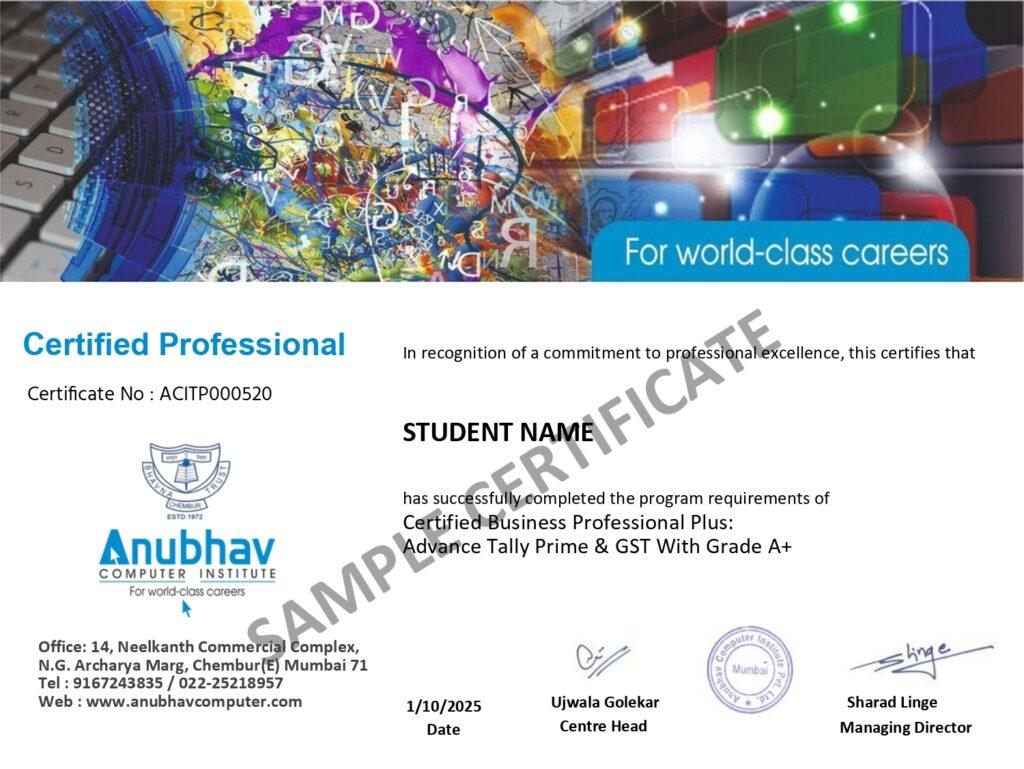
A Certification That Builds Digital Confidence
Earn the Recognized certification that validates your computer knowledge and digital skills required in today’s technology-driven world.
Industry Recognized Certification
Receive the Industry Recognized and a Trusted certification that demonstrates your ability to use computers and digital tools effectively.
Practical Computer Skills
The course is designed with a practical approach, enabling students to develop skills and gain experience using industry-relevant tools and techniques.
Valuable for Career Growth
The program follows a practical learning approach, enabling students to build strong skills and gain hands-on experience.