Tableau Course
In today’s competitive business landscape, the ability to visually communicate data insights with clarity and impact is an essential professional skill. Our Tableau — Data Visualisation & Insights course provides a comprehensive, hands-on learning experience covering Tableau Desktop, data connections, basic and advanced visualisations, calculated fields, LOD expressions, filters, parameters, interactive dashboards and professional data storytelling.
- Recognized Certification
- Beginner Friendly Course
- Practical Computer Training
- Industry Expert Trainer
- Government Recognized Certification
- Beginner Friendly Course
- Practical Computer Training
- Industry Expert Trainer

About Course
Data without context is just numbers — but data presented through clear, compelling visualisations becomes a powerful tool for business decision-making. Tableau is the world’s most widely adopted data visualisation platform, trusted by thousands of organisations globally to explore, analyse and communicate data insights with speed, accuracy and visual excellence.
The Tableau — Data Visualisation & Insights course at Anubhav Computer Institute is a professionally structured, end-to-end program designed to equip students and working professionals with the complete skillset required to work confidently with Tableau in a real business environment. From connecting to diverse data sources and building foundational visualisations, to mastering advanced calculated fields, LOD expressions, interactive dashboards and professional data storytelling — every aspect of the Tableau workflow is covered in depth with practical, real-world exercises and business-relevant projects.
Upon completion of this course, participants will be fully equipped to design, develop and deliver professional data visualisation solutions that drive informed business decisions — making them highly competitive candidates for roles in data analytics, business intelligence, reporting and strategic analysis across all industries.
What You Will Learn
- Navigate and work confidently with Tableau Desktop & Server in a professional environment
- Connect Tableau to multiple data sources — Excel, CSV and SQL databases seamlessly
- Design and deliver Basic & Advanced Visualisations for effective data communication
- Write powerful Tableau Calculations — including SUM, AVG and complex LOD Expressions
- Apply Filters, Parameters & Sets for dynamic, interactive data exploration
- Build compelling Dashboards & Stories that communicate actionable business insights
- Publish & Share Dashboards securely across teams and organisations
- Develop strong Data Storytelling skills for professional business presentations
- Apply industry best practices for designing clean, accurate and impactful visualisations
Tools You Will Learn
Learn industry-relevant tools with practical training designed to make you confident, skilled, and job-ready.















Tableau Course Curriculum
This program covers important concepts and practical skills required for today’s digital world.
Module 1 : Introduction to Tableau Desktop & Server
- Understanding what Tableau is and why it is the world’s leading data visualisation platform
- Overview of the Tableau product family — Tableau Desktop, Server, Online, Public and Prep
- Navigating the Tableau Desktop interface — data pane, marks card, shelves and canvas
- Understanding Tableau’s core concepts — dimensions, measures, discrete and continuous fields
- Understanding the difference between Tableau Desktop and Tableau Server workflows
- Setting up Tableau Desktop and configuring workspace preferences for efficient use
- Overview of the Tableau Server environment — workbooks, views, projects and user management
Module 2: Connecting to Data: Excel, CSV & SQL
- Understanding Tableau’s data connection options — live connections vs data extracts
- Connecting Tableau to Microsoft Excel workbooks — single sheet and multi-sheet connections
- Connecting Tableau to CSV and text files for flat file data analysis
- Connecting Tableau to SQL databases — MySQL, SQL Server and other relational sources
- Understanding the Data Source page — managing fields, data types and table relationships
- Joining and blending multiple data sources for comprehensive, cross-source analysis
- Using Tableau Prep Builder for data cleaning and preparation before analysis
Module 3 : Basic & Advanced Visualisations
- Understanding the Show Me panel and Tableau’s automatic chart recommendations
- Creating foundational visualisations — bar charts, line charts, pie charts and scatter plots
- Building geographic visualisations — filled maps, symbol maps and density maps
- Creating text tables, highlight tables and heat maps for detailed data presentation
- Building dual-axis and combination charts for comparative multi-measure analysis
- Designing Gantt charts, bullet graphs and waterfall charts for specialised business use cases
- Applying reference lines, trend lines and forecasting for analytical depth in visualisations
Module 4: Tableau Calculations: SUM, AVG & LOD Expressions
- Understanding the different types of calculations in Tableau — basic, aggregate and table calculations
- Writing basic calculated fields — arithmetic operations, string functions and date calculations
- Using aggregate functions — SUM, AVG, MIN, MAX, COUNT and COUNTD in calculations
- Understanding table calculations — RUNNING TOTAL, PERCENT OF TOTAL and RANK
- Introduction to Level of Detail (LOD) Expressions — understanding FIXED, INCLUDE and EXCLUDE
- Writing FIXED LOD expressions for customer-level, product-level and date-level analysis
- Using INCLUDE and EXCLUDE LOD expressions for granularity control in complex calculations
- Real-world exercises — building sales performance metrics, profitability ratios and growth calculations
Module 5: Filters, Parameters & Sets for Interactivity
- Understanding the different filter types in Tableau — extract, data source, context and view filters
- Applying dimension filters for categorical data segmentation and audience-specific views
- Applying measure filters for value-based data filtering and threshold analysis
- Creating and using Parameters — user-controlled variables for dynamic, flexible reporting
- Applying parameters to switch measures, adjust reference lines and control top N analysis
- Creating and using Sets — fixed and dynamic sets for custom data segmentation
- Using Set Actions for interactive, click-driven filtering and cross-visual highlighting
- Building combined filter and parameter controls for highly interactive dashboard experiences
Module 6 : Dashboards & Stories for Business Insights
- Understanding the difference between worksheets, dashboards and stories in Tableau
- Planning and structuring a professional dashboard layout for maximum clarity and impact
- Adding and arranging visualisations, filters, parameters and legends on a dashboard canvas
- Applying Dashboard Actions — filter actions, highlight actions and URL actions for interactivity
- Designing for different screen sizes — desktop, tablet and mobile responsive dashboard layouts
- Applying consistent formatting — colours, fonts, borders and spacing for professional presentation
- Building Tableau Stories — guided, slide-by-slide narrative presentations for stakeholder reporting
- Real-world project — designing a complete, multi-page business intelligence dashboard from scratch
Module 7: Publishing & Sharing Dashboards
- Understanding the Tableau Server and Tableau Online publishing workflow
- Publishing workbooks and data sources from Tableau Desktop to Tableau Server
- Managing permissions — controlling who can view, edit and download published content
- Setting up scheduled data refresh for always up-to-date, live dashboards
- Embedding Tableau dashboards into websites, intranets and SharePoint portals
- Sharing dashboards via direct links, PDF exports and image downloads
- Using Tableau Public for portfolio building and public data visualisation sharing
- Best practices for organising, versioning and maintaining published Tableau content
Want Complete Details About the Course?
Get complete information about the Course
Key Highlights of the Course
Explore the important features and benefits that make the program a valuable certification for computer learning.
Government
Certification
Practical Lab
Training
Industy Expert
Trainer
Updated Course
Curriculum
Flexible Learning
Batches
Hands-on
Practice
Who Can Join & What You Will Gain
Discover who can enroll in this course, the benefits of learning, and the practical skills you will gain to grow your career.
- Who Can Join the Course
- Benefits of Learning the Course
- What Will You Gain
This course is designed for anyone who wants to build practical skills and improve their career opportunities. Whether you are a beginner or looking to upgrade your existing knowledge, this program is suitable for learners at different levels.
Students and freshers
Job seekers looking to gain skills
Working professionals wanting to upgrade
Business owners and entrepreneurs
Anyone interested in learning new skills
This course focuses on practical learning and skill development to help you grow professionally and stay competitive in today’s market.
Gain industry-relevant skills
Improve job and career opportunities
Build confidence with practical knowledge
Learn tools and techniques used in real work
Add value to your resume
By completing this course, you will develop the knowledge and practical skills required to perform tasks confidently in real-world scenarios.
Hands-on practical experience
Understanding of tools and technologies
Problem-solving and task execution skills
Industry-relevant knowledge
Confidence to work independently
Want Complete Details About the Course?
Get complete information about the Course
Start Your Learning Journey
Get started with a simple enrollment process and begin developing your skills with structured learning.
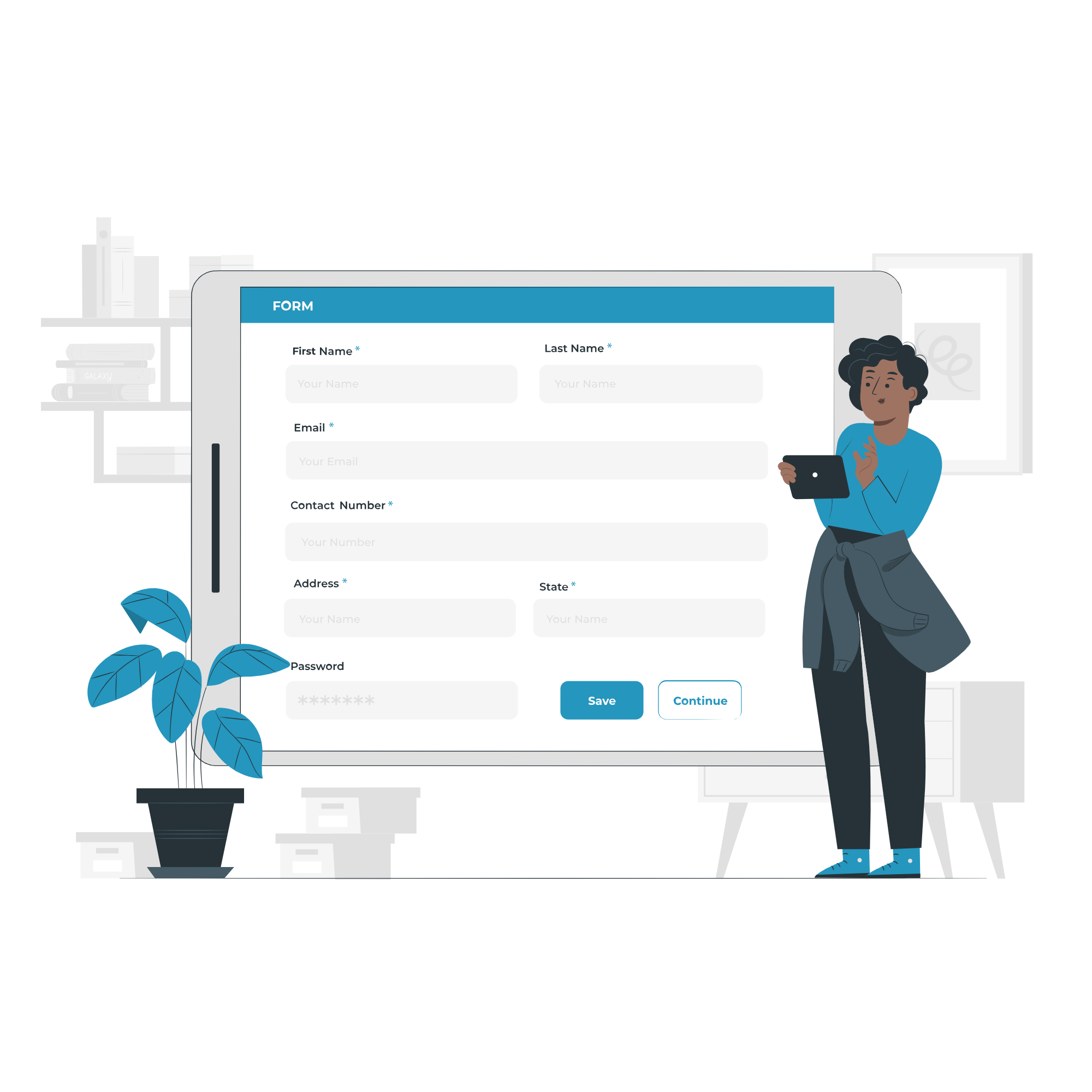
1. Fill the Enquiry Form
Submit your details through the website form to show your interest in the course.

2. Get Career Guidance
Our team will contact you to explain the course details, syllabus, batch timings, and answer your questions.

3. Enroll for Course
Confirm your seat by completing the registration process and submitting the required details.

4. Start Your Classes
Attend practical training sessions and begin learning essential computer and digital skills.
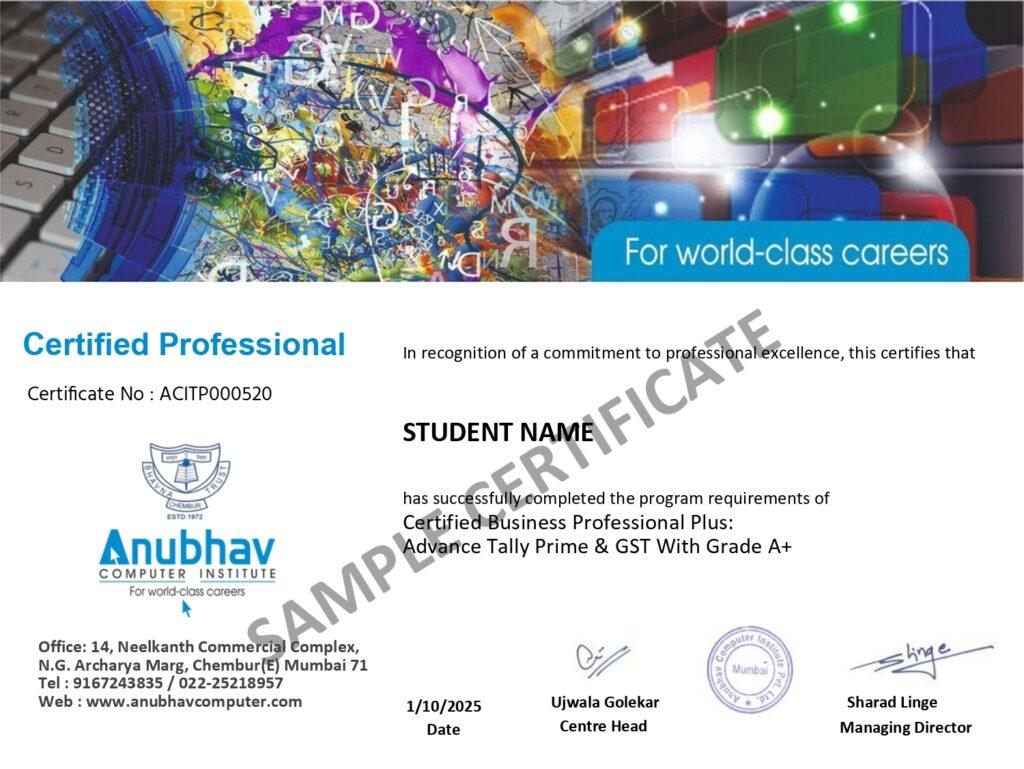
A Certification That Builds Digital Confidence
Earn the Recognized certification that validates your computer knowledge and digital skills required in today’s technology-driven world.
Industry Recognized Certification
Receive the Industry Recognized and a Trusted certification that demonstrates your ability to use computers and digital tools effectively.
Practical Computer Skills
The course is designed with a practical approach, enabling students to develop skills and gain experience using industry-relevant tools and techniques.
Valuable for Career Growth
The program follows a practical learning approach, enabling students to build strong skills and gain hands-on experience.