Advanced Excel Certification Course
The Advanced Excel Certification Course in Chembur at Anubhav Computer Institute helps students, job seekers, and working professionals develop practical Excel skills widely used in offices, businesses, reporting, data analysis, and decision-making roles across various industries.
- Recognized Certification
- Beginner Friendly Course
- Practical Computer Training
- Industry Expert Trainer
- Government Recognized Certification
- Beginner Friendly Course
- Practical Computer Training
- Industry Expert Trainer
Download the Detailed Brochure
About Course
The Advanced Excel course is designed to help students and professionals master data handling, analysis, and reporting using Microsoft Excel. This course covers essential and advanced concepts such as formulas, functions, data visualization, dashboards, and automation tools used in real business environments.
With a practical learning approach, students gain hands-on experience in working with large datasets, creating reports, and making data-driven decisions. This course is ideal for students, job seekers, and professionals who want to enhance their productivity and analytical skills.
What You Will Learn
- Advanced formulas and functions
- Data analysis and reporting techniques
- Pivot tables and dashboards
- Data visualization and charts
- Automation using Excel tools
- Real-world business data handling
Tools You Will Learn
Learn industry-relevant tools with practical training designed to make you confident, skilled, and job-ready.















Advanced Excel Course Curriculum
This program covers important concepts and practical skills required for today’s digital world.
- Duration: 3 Months
- Training: Classroom Training
- Certification: Industry Recognized Certificate
- Duration: 3 Months
- Training: Classroom Training
- Certification: Industry Recognized Certificate
Module 1: Startup with MS Excel
- Data customization and formatting
- Worksheet protection
- Basic functions:
- SUM, MIN, MAX, AVERAGE
- COUNT, COUNTA, COUNTIF
- COUNTBLANK, CONCATENATE
Module 2: Conditional Formatting
- Highlight cell rules
- Top / Bottom rules
- Data bars and color scales
Module 3: MIS Reports
- Match and Index functions
- Data consolidation
- Data validation
- What-if analysis
- Scenario Manager
- Goal Seek
- Data Tables
- Freeze panes
- Subtotal function
- Sparkline charts
- Surface, Radar & Combination charts
- Sharing workbooks
- Removing duplicate data
Module 4: Billing & Finance Functions
- GST bill calculation
- Preparing GST bill
- Page layout and margin settings
- Financial functions
- PMT, PPMT, IPMT
Module 5: Advanced Formulas & Functions
- Logical functions: IF, AND, OR
- Nested IF function
- DATEDIF function
- Sorting and filtering data
- Advanced filters
- Date & Time functions:
- TODAY, DATE, DAY, YEAR
- WEEKDAY, TIME, HOURS, SECOND
Module 6: Text & Data Functions
- Text to Columns
- CONCATENATE
- Statistical, text & financial functions
- Advanced lookup functions
- Text functions: UPPER, LOWER, PROPER
- LEFT, RIGHT, MID
- LEN & EXACT
Module 7: Data Analysis & Automation
- Pivot Tables
- Pivot Charts
- Slicers
- Report layouts
- Report connections
- Macros (Basic Automation)
Want Complete Details About the Course?
Get complete information about the Course
Key Highlights of the Course
Explore the important features and benefits that make the program a valuable certification for computer learning.
Recognized
Certification
Practical Lab
Training
Industy Expert
Trainer
Updated Course
Curriculum
Flexible Learning
Batches
Hands-on
Practice
Want Complete Details About the Course?
Get complete information about the Course
Start Your Learning Journey
Get started with a simple enrollment process and begin developing your skills with structured learning.

1. Fill the Enquiry Form
Submit your details through the website form to show your interest in the course.

2. Get Career Guidance
Our team will contact you to explain the course details, syllabus, batch timings, and answer your questions.

3. Enroll for Course
Confirm your seat by completing the registration process and submitting the required details.

4. Start Your Classes
Attend practical training sessions and begin learning essential computer and digital skills.
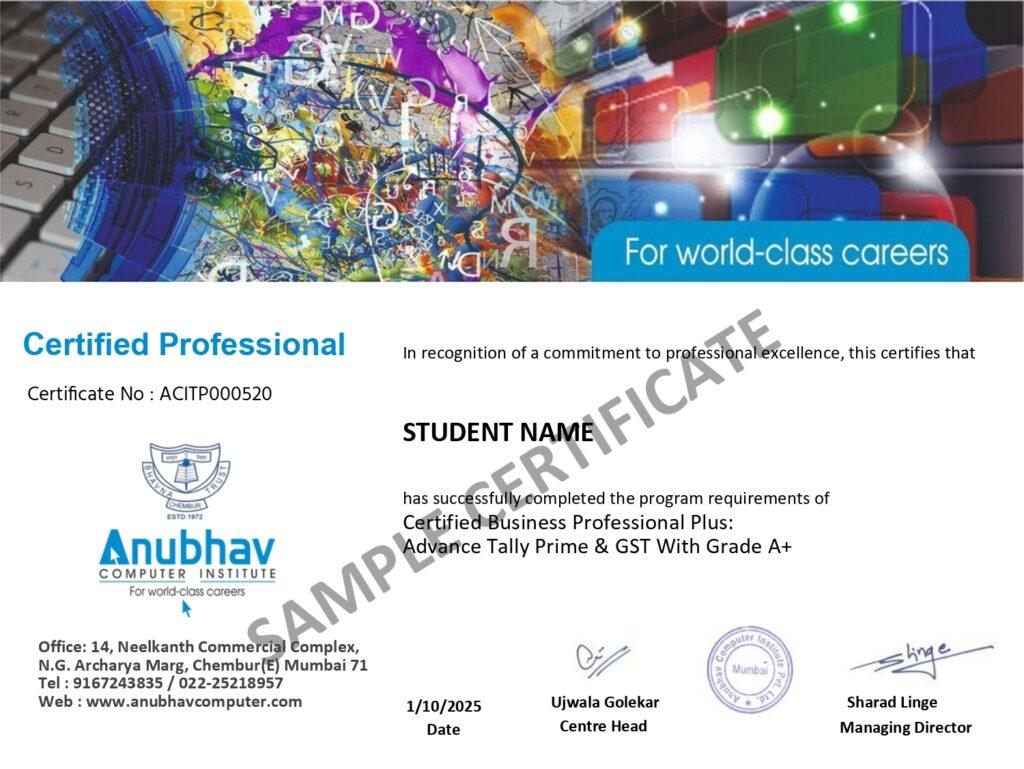
A Certification That Builds Digital Confidence
Earn the Recognized certification that validates your computer knowledge and digital skills required in today’s technology-driven world.
Industry Recognized Certification
Receive the Industry Recognized and a Trusted certification that demonstrates your ability to use computers and digital tools effectively.
Practical Computer Skills
The course is designed with a practical approach, enabling students to develop skills and gain experience using industry-relevant tools and techniques.
Valuable for Career Growth
The program follows a practical learning approach, enabling students to build strong skills and gain hands-on experience.