MS-CIT Course
Upgrade your digital skills with the MS-CIT Course in Chembur, Mumbai. This course helps students, job seekers, professionals, and business owners learn essential computer knowledge, MS Office, internet usage, digital services, and AI-powered tools required in today’s digital world.
- Recognized Certification
- Beginner Friendly Course
- Practical Computer Training
- Industry Expert Trainer
- Government Recognized Certification
- Beginner Friendly Course
- Practical Computer Training
- Industry Expert Trainer
Download the Detailed Brochure
About Course
Not everyone who joins an MS-CIT course has prior computer knowledge. Some students come after school or college, while others join because computer skills are required in many jobs today. The MS-CIT Course in Chembur is useful for people who want to learn the basics of using a computer without getting confused by technical terms.
At Anubhav Computer Institute, students participate in computer classes and learn various topics in a step-by-step manner. In addition to the lessons, students are provided with the opportunity to directly practice the activities taught in class on a computer. While some students may already possess basic computer knowledge, others are using a computer for the very first time. Through this course, students gain the opportunity to practice fundamental computer operations and familiarize themselves with the computer-based and online processes commonly used in daily life.
Why Choose MS-CIT Course in Chembur
With the aim of enhancing their computer proficiency, many students, job seekers, and working professionals enroll at Anubhav Computer Institute for the MS-CIT Course in Chembur. Students are provided with the opportunity to gain hands-on experience by directly practicing on computers the topics taught in their classes. This enables them to grasp the subject matter with ease. Even beginners who are new to using computers can learn at their own pace.
Reasons to Choose Us:
- Every topic is explained in a simple and accessible manner.
- Facilities are available for hands-on, practical training on computers.
- Doubts can be clarified immediately whenever they arise.
- Batch timings are available that are convenient for both students and working professionals.
- Emphasis is placed on computer skills that are relevant to daily life.
- Basic knowledge regarding the internet and online services is provided.
- Continuous practice helps build confidence in using computers.
- Guidance and support necessary for examinations are provided.
Through this MS-CIT Training, students can gradually develop the ability to independently use computers to meet their daily needs.
Tools You Will Learn
Learn industry-relevant tools with practical training designed to make you confident, skilled, and job-ready.















MS-CIT Course Curriculum
Our MS-CIT Course in Chembur is designed to cover essential computer concepts and practical skills needed in today’s digital age.
- Duration: 3 Months
- Training: Classroom Training
- Certification: MS-CIT Government Certification
- Duration: 3 Months
- Training: Classroom Training
- Certification: MS-CIT Government Certification
Module 1: Introduction to Computers
- Basics of Computer and Information Technology
- Understanding Hardware and Software
- Input and Output Devices
- Types of Computers
- Data Storage Devices
- Basic Computer Operations
Module 2: Operating System (Windows)
Introduction to Operating Systems
Desktop, Icons, and Taskbar
File and Folder Management
Control Panel and System Settings
Personalizing the Desktop
Module 3: Internet and Email
Introduction to the Internet
Web Browsers and Search Engines
Creating and Managing Email Accounts
Sending and Receiving Emails
Internet Safety and Security
Module 4: Microsoft Word
Creating and Editing Documents
Formatting Text and Paragraphs
Inserting Tables, Images, and Shapes
Creating Professional Documents
Module 5: Microsoft Excel
Introduction to Spreadsheets
Data Entry and Formatting
Formulas and Basic Functions
Creating Charts and Tables
Module 6: Microsoft PowerPoint
Creating Presentations
Designing Slides
Adding Images, Animations, and Transitions
Delivering Professional Presentations
Module 7: Microsoft Outlook
Introduction to Outlook
Email Management
Contacts and Calendar
Tasks and Notes Management
Module 8: Digital Skills and Online Services
Digital Payments and Online Banking
Using Government Online Services
DigiLocker and Digital Documents
Online Forms and Applications
Module 9: Cyber Security and Safe Internet Use
Cyber Threats and Online Risks
Safe Browsing Practices
Data Protection and Privacy
Responsible Internet Usage
Module 10: Introduction to AI and Modern Tools
Introduction to AI Tools
ChatGPT and AI Applications
AI Tools for Content and Presentations
Digital Productivity Tools
Who Can Join & What You Will Gain
Discover who can enroll in the MS-CIT Course in Chembur, explore its key benefits, and gain practical computer skills that can help advance your career in today’s digital world.
- Who Can Join the Course
- Benefits of Learning the Course
- What Will You Gain
The MS-CIT course in Chembur has been designed to benefit anyone wishing to learn how to use a computer. Even if you have no prior experience using a computer, you can easily get started with this course.
- Students who wish to learn computing from the very basics
- Job seekers looking to develop essential computer skills for employment
- Employees who utilize computers in their daily office tasks
- Homemakers interested in learning how to perform online work
- Small business owners who manage accounts and information using a computer
- Senior citizens who wish to gain an understanding of the internet and technology
- Beginners who are just starting to learn about computers
Structured with practical training, this course is designed to be easily understood by people of all age groups.
At Anubhav Computer Institute, the MS-CIT course in Chembur helps learners gain practical computer knowledge useful in studies and workplace tasks.
- Basic computer skills, MS Office, internet use and everyday digital tasks
- Practical, hands-on training with simple guidance designed for beginners and non-technical learners
- Helps improve job readiness with essential IT skills for office environments
- Builds certification support and increases confidence in computer usage for study and work
- Useful for students, job seekers and working professionals
The MS-CIT course in Chembur offered by Anubhav Computer Institute, Chembur, is highly beneficial for students who are new to learning computers. It helps develop the proficiency to use a computer with ease in daily life. Since students have the opportunity to directly practice on a computer the concepts taught in class, their level of understanding is significantly enhanced.
- Understanding the basic functions of a computer in a simple and accessible manner
- Learning through practice using MS Office tools such as MS Word, Excel, and PowerPoint
- Developing skills in utilizing the Internet, email, and various online services
- Practical training that involves hands-on practice of every lesson directly on the computer
- Building the confidence necessary for professional work, examinations, and daily usage
Get certified in MS-CIT at Anubhav Computer Institute, Chembur and enhance your computer skills for education and career growth.
Frequently Asked Questions
The MS-CIT (Maharashtra State Certificate in Information Technology) is a basic computer literacy program offered by MKCL in Maharashtra. It is an information technology (IT) literacy course designed to provide essential computer skills, including internet usage and sending & receiving emails using Outlook, through authorized learning centers.
The MS-CIT course is designed for everyone, from school students (after the 5th standard) to senior citizens. Any individual who has a basic understanding of reading and writing and a keen desire to learn Information Technology is eligible to join.
Yes, the MS-CIT certificate is useful for jobs, especially for government job applications where basic IT knowledge is required. It enhances job readiness, computer skills, and social confidence, making it beneficial not only for government job aspirants but for private sector roles as well.
The MS-CIT in Chembur exam has a duration of 60 minutes (1 hour) and is conducted using specific exam software. The questions are based on the course syllabus and feature a level-wise distribution to assess different degrees of difficulty.
MS-CIT is an Information Technology (IT) literacy course aimed at bridging the digital divide and helping you grow expertise in computer skills, including understanding hardware parts of computers and laptops. It provides a significant advantage in government job applications and helps youths and aspiring entrepreneurs enhance job readiness and career opportunities.
Enroll today at Anubhav Computer Institute, Chembur and start building your computer skills with confidence. Contact us now to join the MS-CIT course and take the first step toward a better career.
Want Complete Details About the Course?
Get complete information about the Course
Key Highlights of the Course
Explore the important features and benefits that make the program a valuable certification for computer learning.
Recognized
Certification
Practical Lab
Training
Industy Expert
Trainer
Updated Course
Curriculum
Flexible Learning
Batches
Hands-on
Practice
Want Complete Details About the Course?
Get complete information about the Course
Start Your Learning Journey
Get started with a simple enrollment process and begin developing your skills with structured learning.
1. Fill the Enquiry Form
Submit your details through the website form to show your interest in the course.

2. Get Career Guidance
Our team will contact you to explain the course details, syllabus, batch timings, and answer your questions.

3. Enroll for Course
Confirm your seat by completing the registration process and submitting the required details.

4. Start Your Classes
Attend practical training sessions and begin learning essential computer and digital skills.
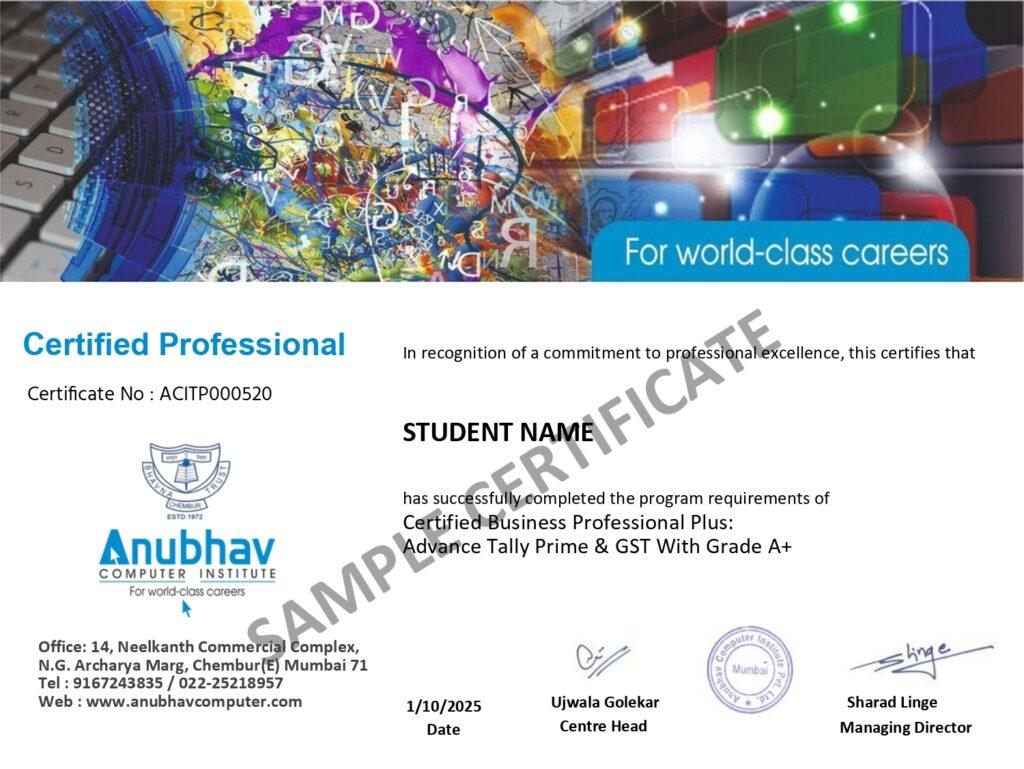
A Certification That Builds Digital Confidence
Earn the Recognized certification that validates your computer knowledge and digital skills required in today’s technology-driven world.
Industry Recognized Certification
Receive the Industry Recognized and a Trusted certification that demonstrates your ability to use computers and digital tools effectively.
Practical Computer Skills
The course is designed with a practical approach, enabling students to develop skills and gain experience using industry-relevant tools and techniques.
Valuable for Career Growth
The program follows a practical learning approach, enabling students to build strong skills and gain hands-on experience.